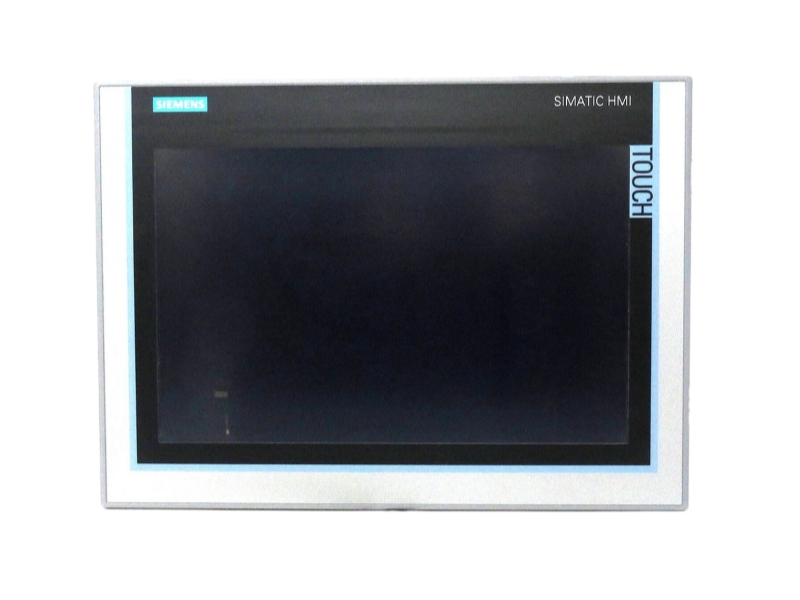
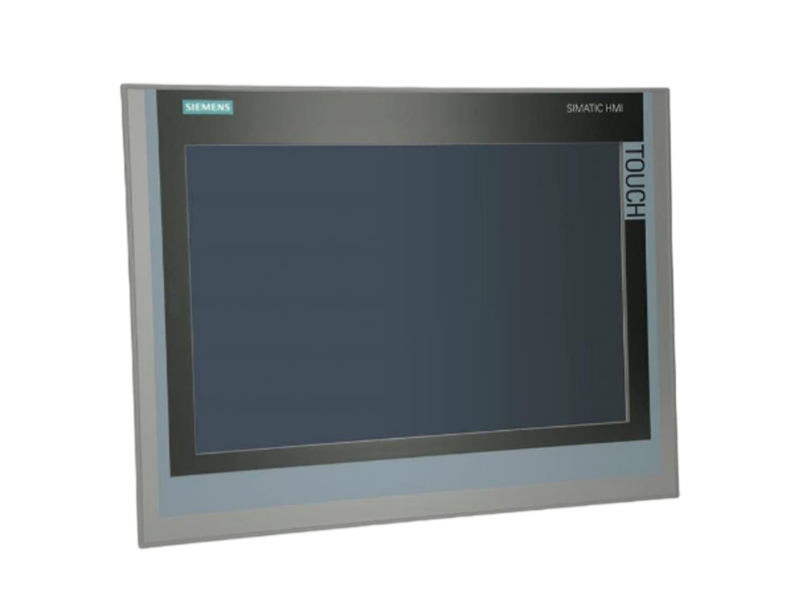
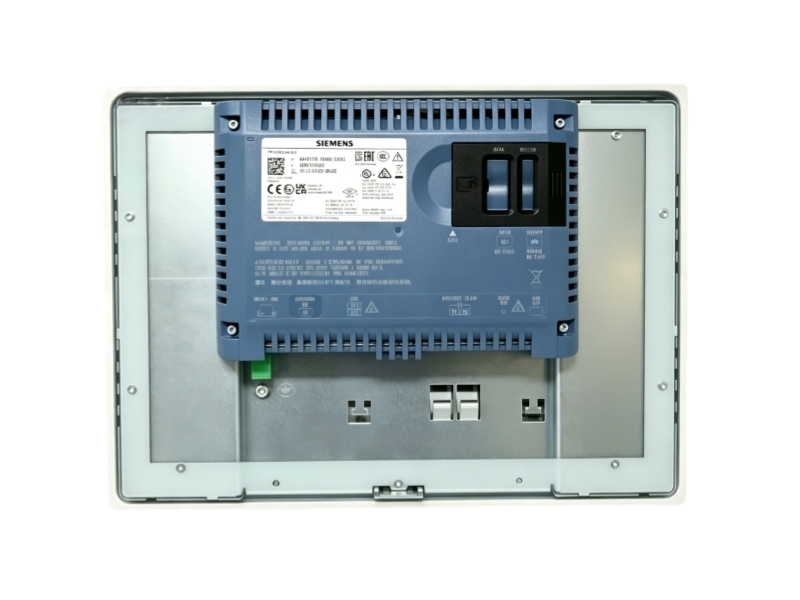
A procurement-focused page for the complete Siemens order code 6AV2128-3QB06-0AX0.
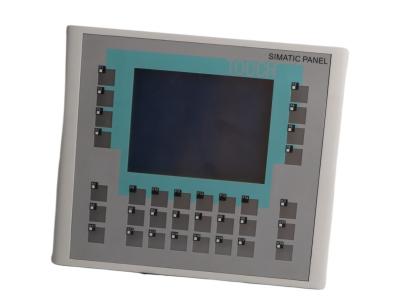
The Siemens 6AV2128-3QB06-0AX0 is a MTP1500 Unified Comfort Panel in the SIMATIC HMI Unified Comfort Panels platform. Siemens official product information confirms the complete order code and the technical identity shown below. This page separates manufacturer-confirmed specifications from Stockoems commercial information. Procurement review should compare the full label, suffix, hardware and firmware release, installed rack or panel arrangement, communication interfaces and engineering project before replacement. Stockoems can support availability checks, condition confirmation, compatibility review, protective packaging and worldwide shipping coordination for industrial maintenance and automation projects.
Condition, availability and warranty are Stockoems commercial information, not manufacturer commitments.
| Manufacturer | Siemens |
|---|---|
| Complete part number | 6AV2128-3QB06-0AX0 |
| Product type | MTP1500 Unified Comfort Panel |
| Series | SIMATIC HMI Unified Comfort Panels |
| Country of origin | GERMANY |
| Display | 15.6-inch widescreen TFT, 1366 × 768 pixels |
| Colors | 16,777,216 |
| Operation | Touch and multi-touch screen |
| Interface | PROFINET |
| Rated supply | 24 V DC |
| Engineering | WinCC Unified Comfort V16 or later |
| Product condition | Original new |
| Availability | In stock |
| Warranty | With 1 year warranty |
| Shipping | Worldwide shipping coordination after destination review |
The multi-touch screen provides local operator interaction.
The Unified Comfort platform presents process screens, alarms and controls.
PROFINET connects the panel to the industrial automation network.
WinCC Unified Comfort software is used for device configuration.
Check the complete suffix, WinCC Unified project version, panel cutout, 24 V DC supply, network configuration, storage media and connected controller support before replacement.
Yes. Siemens official technical information confirms the complete order code and the MTP1500 Unified Comfort Panel designation.
Siemens product data identifies this exact order code as a spare part.
Check the complete suffix, WinCC Unified project version, panel cutout, 24 V DC supply, network configuration, storage media and connected controller support before replacement.
No. Similar series names do not establish compatibility; compare the complete suffix and the installed engineering requirements.
Provide the complete part number, clear label photos, required quantity, destination country and available system information.
Send us the complete part number, required quantity, destination country and product label photos. Our team will check availability, condition, compatibility requirements and shipping options.
A documented workflow for reviewing Siemens 6AV2128-3QB06-0AX0 procurement details without assuming unverified specifications.


Model and suffix verification, condition confirmation, and product and label photo confirmation.
Technical compatibility review covers controller family, labels, project information, firmware and installed architecture.
Protective packaging and handling are planned around the equipment type and shipping route.
Worldwide shipping, shipment tracking and customs documentation are coordinated after order review.
| Model and suffix verification | Compare the requested code with label photos and order information. |
| Condition confirmation | Confirm the commercial condition before dispatch arrangements. |
| Technical compatibility review | Review supplied system details without treating a family match as automatic compatibility. |
| Product and label photo confirmation | Use clear overall and label views for identity checks. |
| Protective packaging | Apply suitable cushioning, moisture protection and outer-carton handling. |
| Worldwide shipping | Coordinate a route based on destination, package and documentation needs. |
| Shipment tracking | Provide tracking information when the shipment is released. |
| Customs documentation | Prepare commercial shipping documents according to confirmed order data. |
| Written warranty terms | Record the Stockoems warranty scope in the order documentation. |
| Return authorization process | Use written authorization and case details before any return shipment. |
| After-sales response | Maintain written communication for delivery, condition and support questions. |
Our quality process combines label verification, visual review, order-data checks and packaging review. Logistics coordination and document preparation begin only after the quantity, destination and shipment requirements are confirmed. No unverified delivery date or inventory quantity is promised.
Request the complete part number, clear product and label photos, written condition, warranty terms, return procedure and shipment documentation before approval.
Check the legal seller identity, traceable quotation details, exact suffix, payment recipient, inspection evidence, packing plan and written commercial terms.
Compare firmware, controller class, rack and I/O layout, network design, project backup and field-label data before accepting a replacement.
Watch for incomplete suffixes, reused photos, inconsistent labels, pressure to skip compatibility checks, missing written warranty terms, unclear return authorization and unsupported delivery promises.
Email: sales6@apterpower.com | WhatsApp: +86 18159889985
Email: sales6@apterpower.com | WhatsApp: +86 18159889985