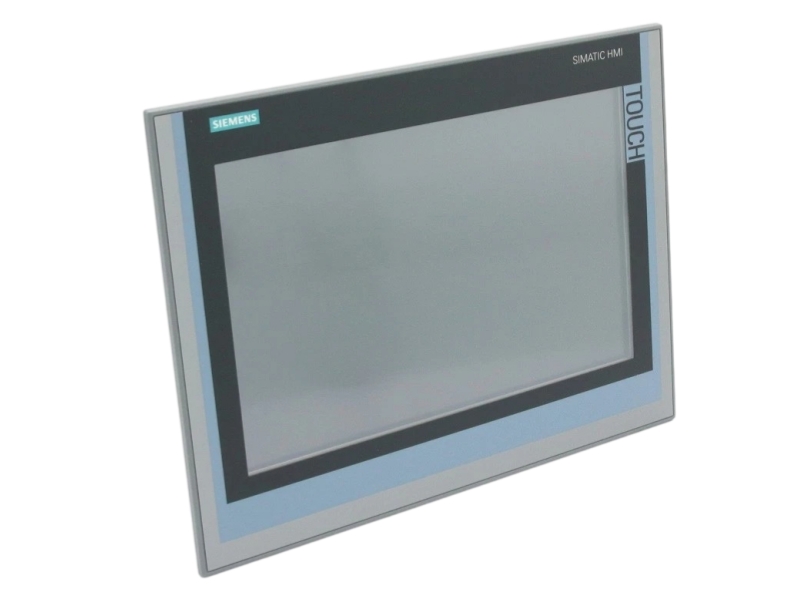
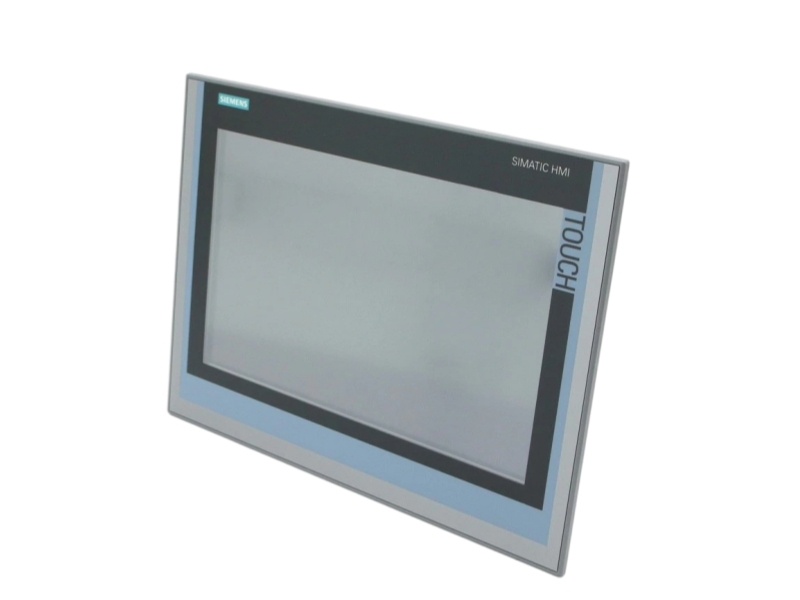
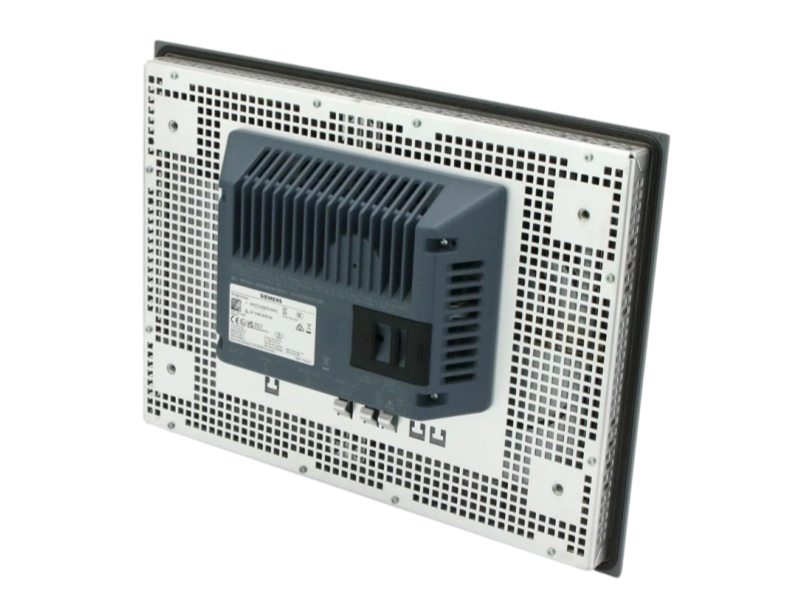
Touch-operated process visualization with a 15.4-inch widescreen display and industrial communications.
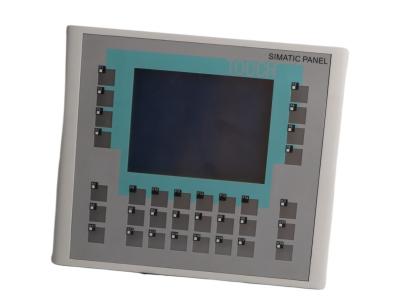
Siemens 6AV2124-0QC02-0AX2 is a SIMATIC HMI TP1500 Comfort Panel designed for touch-operated process visualization and operator control. The exact unit provides a 15.4-inch widescreen TFT display with 1280 × 800 resolution, 16,777,216 colors and 24 MB configuration memory. Siemens specifies PROFINET, MPI and PROFIBUS DP communication, 24 V DC supply, Windows Embedded Compact 2013 and engineering from WinCC Comfort V14 SP1 with HSP. The official lifecycle is PM400 announcement of product phase-out, with 6AV2128-3QB06-0AX1 identified as successor. Replacement planning must review mounting dimensions, project compatibility, communications and the complete suffix.
Condition, availability and warranty are Stockoems commercial information, not manufacturer commitments.
| Manufacturer | Siemens |
|---|---|
| Complete Part Number | 6AV2124-0QC02-0AX2 |
| Product Type | SIMATIC HMI TP1500 Comfort Panel |
| Operation | Touch screen |
| Display | 15.4-inch TFT, 1280 × 800 |
| Colors | 16,777,216 |
| Operator Inputs | No physical function keys; 40 direct touch buttons |
| Configuration Memory | 24 MB |
| Communication | PROFINET; MPI/PROFIBUS DP |
| Rated Supply | 24 V DC |
| Operating System | Windows Embedded Compact 2013 |
| Engineering | WinCC Comfort V14 SP1 with HSP or later |
| Official Life Cycle | PM400: Announcement of product phase-out |
| Country of Origin | GERMANY |
Direct touch actions support navigation, setpoint entry and deliberate operator control.
The widescreen presents process states, alarms, recipes and operating screens.
PROFINET and MPI/PROFIBUS DP connect the panel to the validated automation environment.
It is a Siemens SIMATIC HMI TP1500 Comfort Panel with touch operation and a 15.4-inch widescreen display.
Siemens lists the exact order code under PM400, announcement of product phase-out. That wording is retained without reclassifying it as discontinued.
No. Siemens specifies touch-screen operation and no physical function keys for the exact panel.
Siemens specifies WinCC Comfort V14 SP1 with HSP or later for configuration.
No. Siemens identifies 6AV2128-3QB06-0AX1 as successor, while mounting dimensions and the complete engineering environment still require review.
Send us the complete part number, required quantity, destination country and product label photos. Our team will check availability, condition, compatibility requirements and shipping options.
Email: sales6@apterpower.com | WhatsApp: +86 18159889985
A structured workflow for order-code validation, condition evidence, compatibility review, packaging, documentation and after-sales communication.
We compare the complete part number, suffix and supplied label photos before quotation processing.
Commercial condition is recorded with available packaging and product evidence.
Engineers review the target HMI project, panel type, interfaces, supply and replacement constraints.
Photos support identity, suffix and visible-condition checks before dispatch planning.
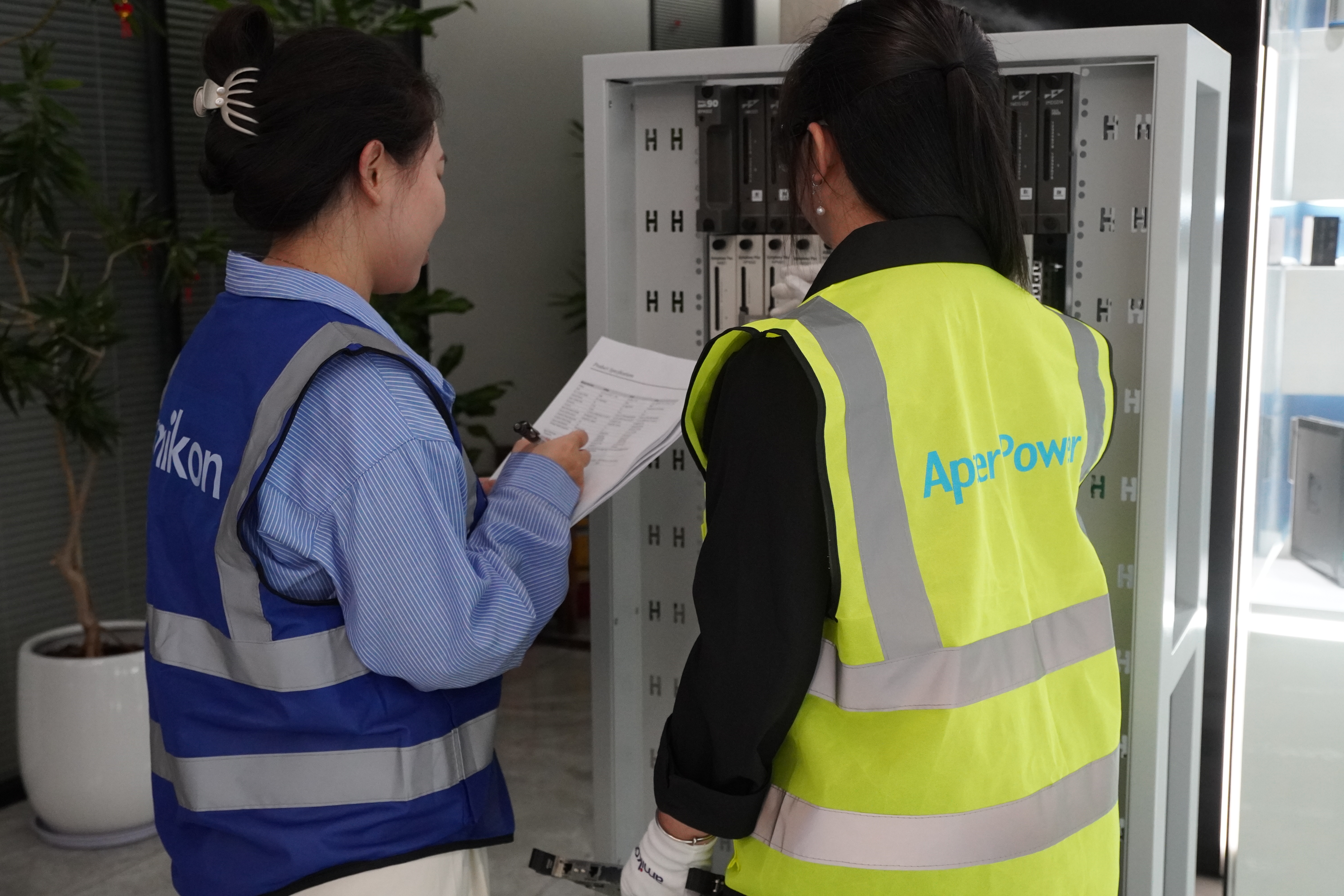
Scope and applicable conditions are supplied in writing.
Any return request is reviewed and authorized before shipment back.
Our team coordinates product, documentation and delivery questions after receipt.
Ask for the complete order code, visible label evidence, stated condition, written commercial terms and a traceable communication record.
Procurement teams should compare the suffix, requested quantity, destination, packaging plan, shipment documents, warranty wording and return process.
Engineers should check the HMI project, software version, panel operation, communications, supply, mounting dimensions and successor limitations.
Risk signals include incomplete suffixes, reused or unclear photos, unsupported specifications, pressure to skip compatibility checks, vague warranty terms and untraceable payment instructions.
Email: sales6@apterpower.com | WhatsApp: +86 18159889985
Email: sales6@apterpower.com | WhatsApp: +86 18159889985