SIMATIC HMI / MACHINE VISUALIZATION
Touch operation and communication for an engineered machine interface.
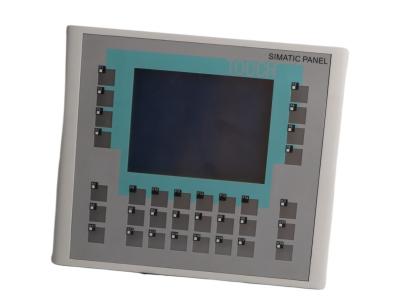
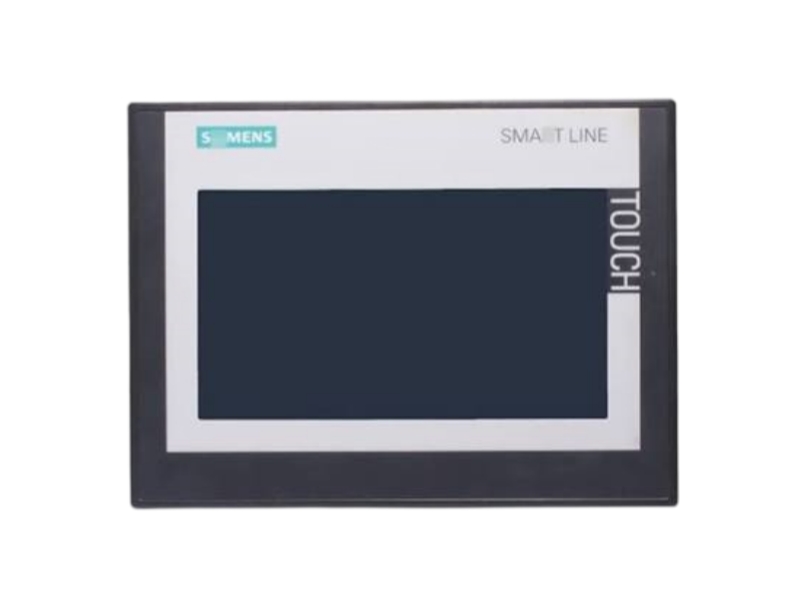
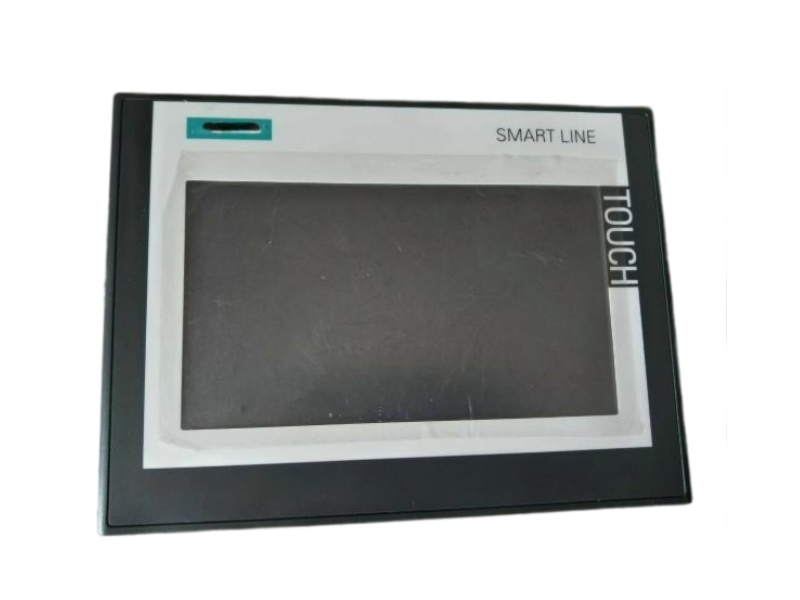
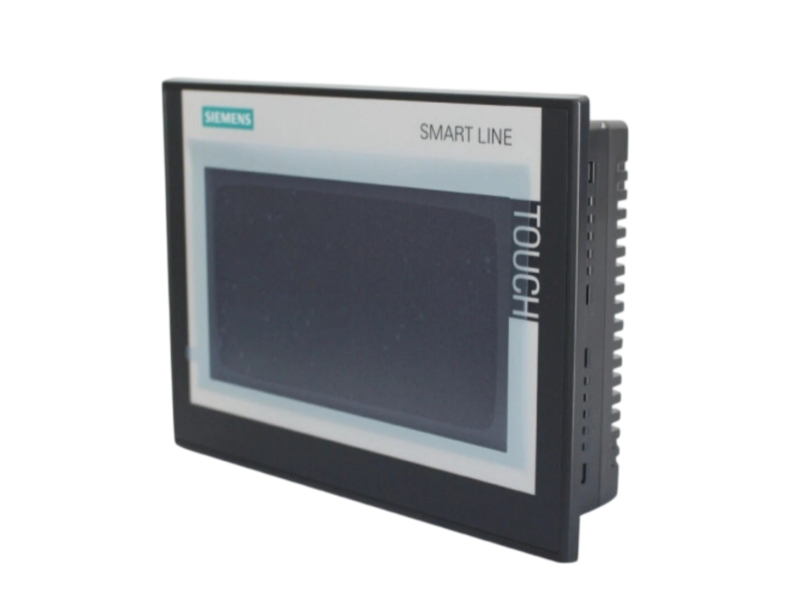
The Siemens 6AV6648-0DC11-3AX0 is the SIMATIC HMI Smart 700 IE V4 touch panel. It combines a seven-inch widescreen TFT display with serial and Ethernet interfaces for machine-level operation and visualization. The panel includes a USB Type-A host interface and real-time clock support, and it is configured with WinCC flexible SMART V4. Replacement planning should include the existing HMI project, device generation and controller communication settings. Stockoems supports item identification, condition confirmation and shipment coordination. Define the required panel, accessories and project-transfer responsibilities before ordering so procurement and engineering teams share a clear supply scope.
Condition, availability and warranty are Stockoems commercial terms, not manufacturer commitments.
Match the panel generation and engineering software to the machine project. Review the controller connection, existing project backup and installation requirements before preparing the replacement.
| Parameter | 6AV6648-0DC11-3AX0 |
|---|---|
| Manufacturer | Siemens |
| Complete part number | 6AV6648-0DC11-3AX0 |
| Product designation | SIMATIC HMI Smart 700 IE V4 |
| Operation | Touch operation |
| Display | 7-inch widescreen TFT |
| Display colors | 16 million |
| Serial interface | RS-422/485 |
| Ethernet interface | RJ45 |
| USB interface | Host USB Type A |
| Real-time clock | RTC support |
| Configuration software | WinCC flexible SMART V4 |
| Country of origin | GERMANY |
The HMI provides the operator-facing visualization and interaction layer for a configured machine application. It does not replace the machine controller. Define the required screens, operating permissions and communication settings in the engineering project.
Treat panel hardware, project transfer and machine commissioning as coordinated tasks. Retain the original project and record the existing controller connection before removing a panel. Follow the device instructions for mounting, wiring, maintenance and startup.
Use the full 6AV6648-0DC11-3AX0 order code and Smart 700 IE V4 designation when comparing panels. Check the HMI project, engineering software, device version, controller connection and installation cutout against the applicable documentation. Similar screen size alone does not establish interchangeability.
It identifies the SIMATIC HMI Smart 700 IE V4 touch panel.
It uses a seven-inch widescreen TFT display with 16 million colors.
The panel has RS-422/485 serial communication and an Ethernet RJ45 interface.
Siemens specifies WinCC flexible SMART V4 for configuration. Check the existing project and device requirements before transfer.
Yes. The product description lists a USB Type-A host interface and RTC support.
Compare the project communication settings, selected controller connection and physical wiring with the machine documentation. Record the displayed error information before changing settings.
Send us the complete part number, required quantity, destination country and product label photos. Our team will check availability, condition, compatibility requirements and shipping options.
Email: sales6@apterpower.com
WhatsApp: +86 18159889985
STOCKOEMS / PROCUREMENT SUPPORT
A clear purchase record connects the end user, buyer and engineer. We coordinate product information, inspection requirements, packaging and shipment details around the agreed order scope.
Model and suffix verification starts with the full order code, required quantity and installed label. Product and label photo confirmation helps distinguish the requested item from a similar-looking variant.
Condition confirmation covers the stated product condition and available packaging evidence. Our technical compatibility review uses the customer's installed configuration and documentation; final engineering approval remains with the responsible site team. Agree any inspection or test scope before ordering.
Protective packaging is selected for the item and transport route. Worldwide shipping coordination covers destination details, carrier options, customs documentation and shipment tracking. Dispatch timing is agreed for the actual order, not inferred from a generic stock statement.
Written warranty terms define the coverage and claim procedure. After-sales response includes collecting the model, label photographs and issue description. Follow the return authorization process before sending any item back.
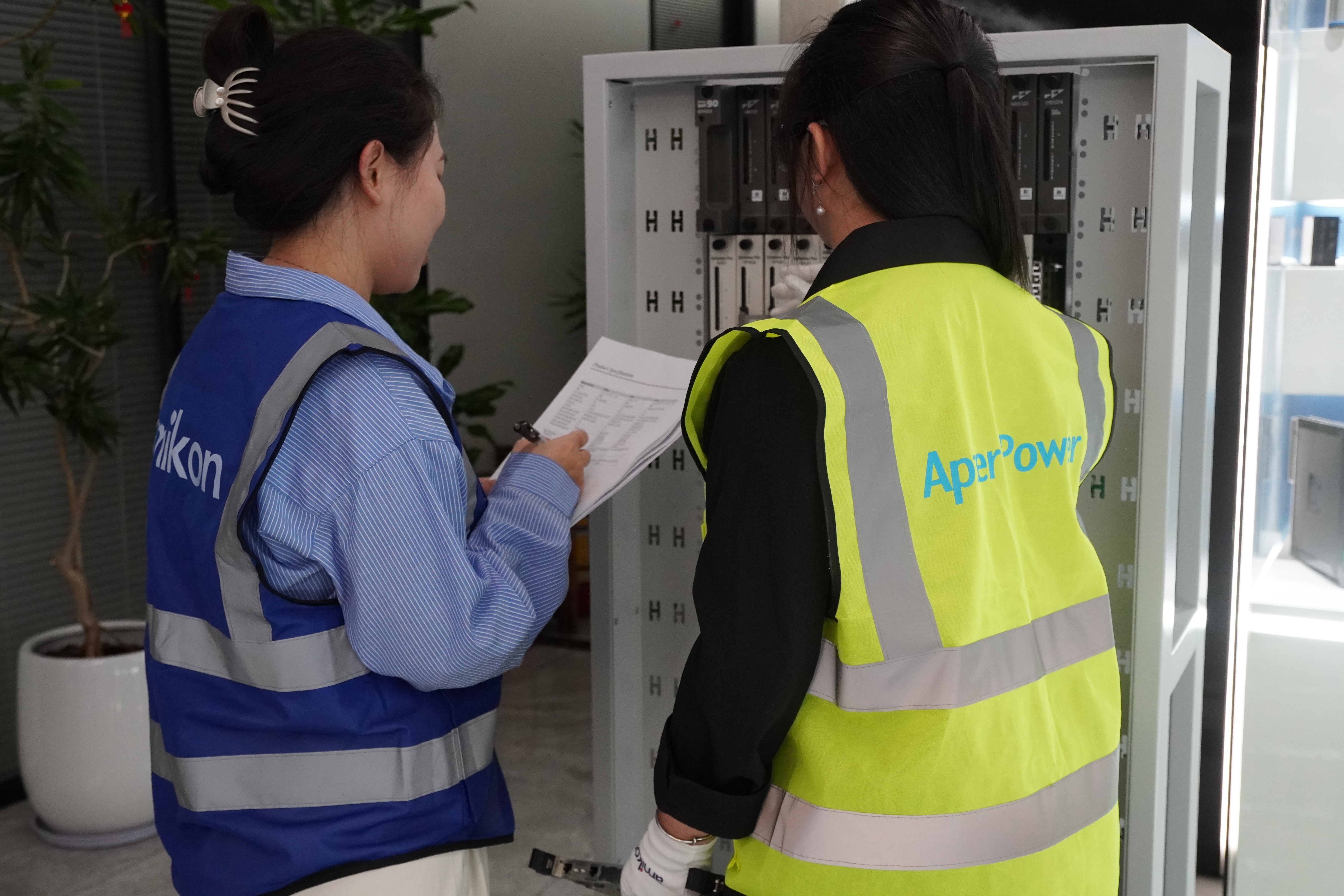
Inspection planning and documented checks
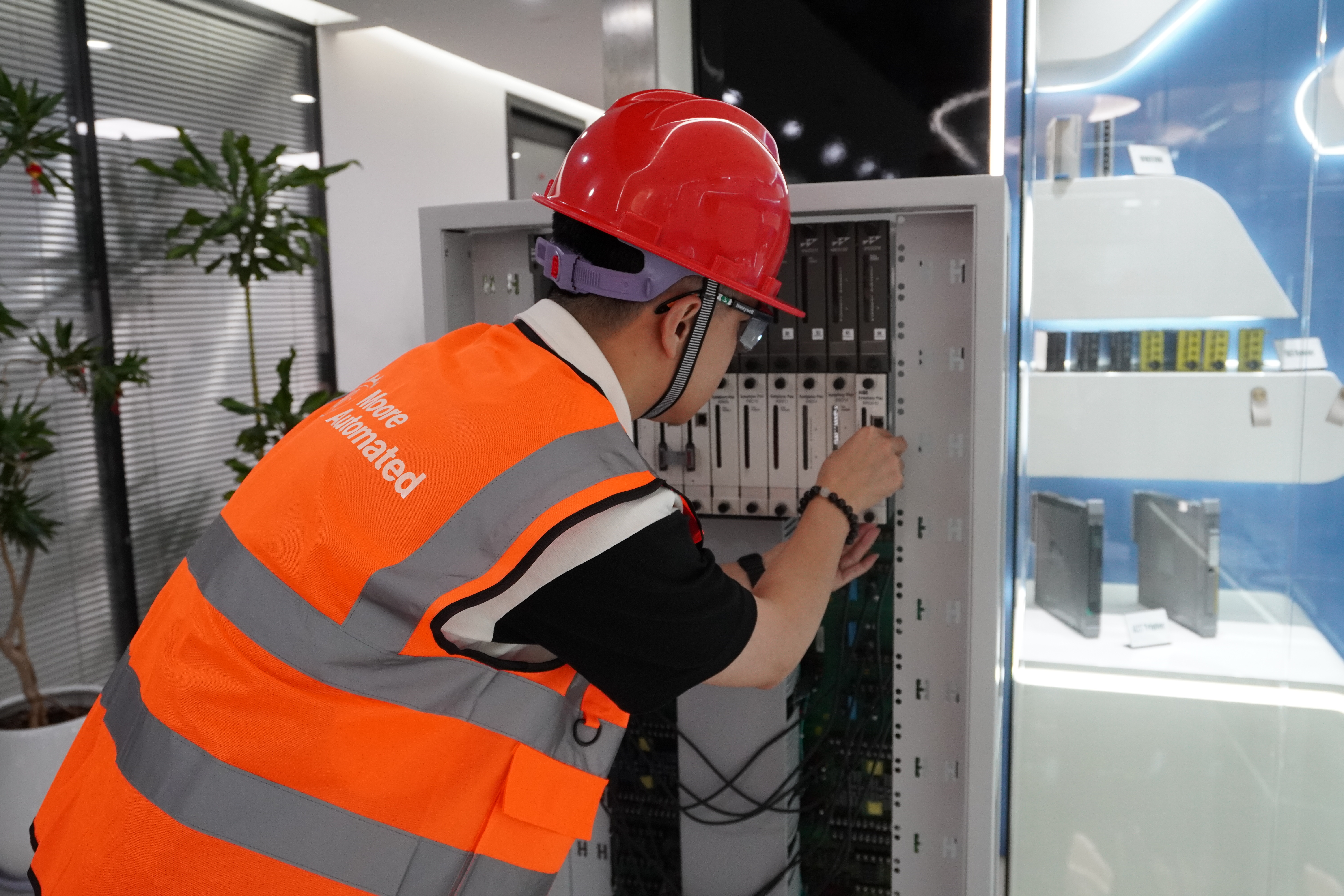
Technical review and installation coordination
Request the exact manufacturer and part number, current item and label photographs, a written condition statement, the supply scope and the warranty terms. A photograph alone does not establish authenticity or suitability.
Check the legal company identity, quotation details, invoice information and payment beneficiary for consistency. Ask for a documented order process, packaging arrangements and a named after-sales contact. Independently verify unexpected changes to payment instructions.
Compare the complete suffix, hardware revision, system configuration and applicable installation documentation. Ask the supplier to distinguish verified facts from assumptions. A similar appearance or product family is not proof of interchangeability.
Treat mismatched labels, edited photographs, vague condition descriptions, unexplained price differences, pressure to pay immediately and refusal to provide written terms as reasons for additional checks. None of these signals should be resolved by a verbal promise alone.
A useful report identifies the inspected item and records the inspection date, checks performed, findings and any limitations. Ask whether the work was a visual inspection or a functional test; do not assume the two are equivalent.
Obtain written coverage, exclusions, required evidence and the return authorization procedure before purchase. Keep the quotation, label photographs and delivery records with the order so any issue can be investigated efficiently.
Stockoems brings model checking, photo coordination, packing preparation, logistics communication and after-sales follow-up into one procurement conversation. We do not promise unverified lead times, unspecified testing or a fixed inventory quantity.
Send us the complete part number, required quantity, destination country and product label photos. Our team will check availability, condition, compatibility requirements and shipping options.
Email: sales6@apterpower.com
WhatsApp: +86 18159889985
| 406372-1 CAT 5E RJ45 | ABB TU844 3BSE021445R1 | 926 315-BR | PXC36.1-ED | 24BS24AD4E |
| TA200DU-90 1SAZ421201R1001 | 9537440000 | G9SB-301-B | C-6002-019 | GT-1575QBUSL |
| 440E-L13137 | Tx0D 3020 0JF737 4GF/2GR | H2S 18100050-2 | 500F-BOA930 | IM72-11Ex/L |
| G4 SB-DIM2C6A-DN | IEM-3000-8FM | VQZ315R-5L01 | S4-34895 | sg001043 |
| 127586 | 03144-1033-3103 | PV-1000 | 4910274 | MU-KDPR05 |
| SX2 J4290-0001C | MN-S4-FCS | QSM3-XW-C | MT52340DB LF 52345DB | 11-PKZ |
| 7012AF | EL1819 | 3X125A | ABB CP-24/1.0 | PDL4335 430-450 |
| ABB BIO1002 2RCA034536A0001E | MCR-SL-DU/1 | CP17970 | D-60A | 901-H510-WW00 |
| Ex-AR | 6GK7243-1JX30-0XE0 | Opt8-m9+V1.1 | 1539920 | A1SX42 |
| W445-M 203949-02 | PRO32OUT | DK1523 40A80045AU | ABB TB511-ETH 1SAP111100R0270 | LOG220 5005-0220 |
| TK-485/EU | CR9440J1B1 | LG-003552 | SB-3SBXS-WL | CDE230 |
| MWB45-2E | EVD0000410 | 00EP016 | ABB AI531 / 1SAP250600R0001 | SPF5200 S24218-F8-A1-08 |
| ABB 6126/01-866-500 / 2CDG006116R0201 | 176F9172 | PA2 | VDE-R9 | ABB Tb521-eth 1sap112100R0170 |
| AES75-12 | 2CDG120005R0011 | CI-205-1 | CR10 | RTV24G |
Send us the complete part number, required quantity, destination country and product label photos. Our team will check availability, condition, compatibility requirements and shipping options.
Email: sales6@apterpower.com
WhatsApp: +86 18159889985