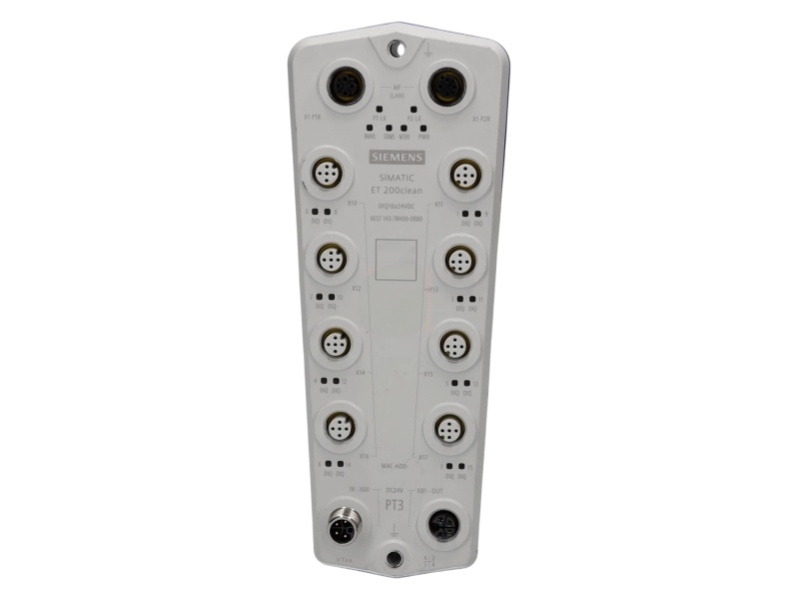
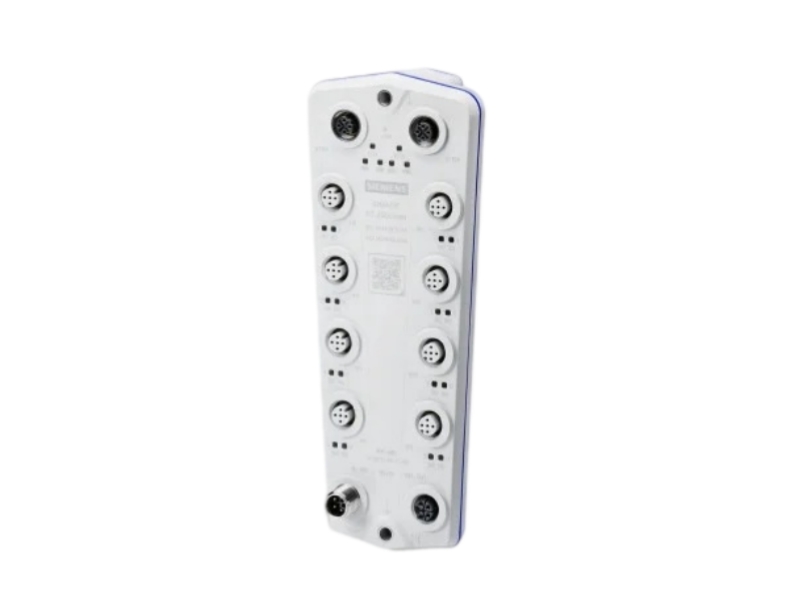
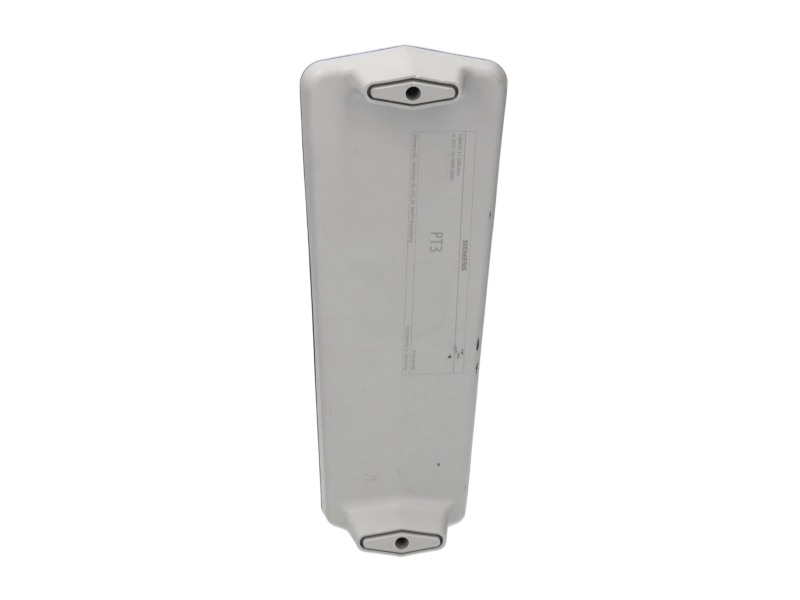
SIMATIC ET 200clean / DIGITAL I/O
ET 200clean DIQ 16 Digital I/O Device
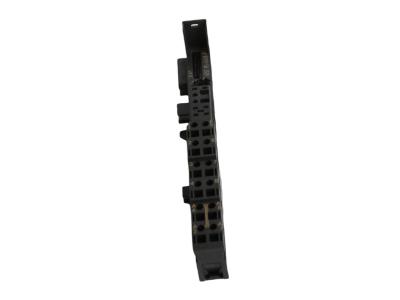
The Siemens 6ES7143-7BH00-0BB0 is a SIMATIC ET 200clean digital I/O device with 16 configurable channels and eight M12 signal connections. It handles 24 V DC signals and provides 0.5 A digital outputs, allowing inputs and outputs to be assigned to suit the application. Multi-fieldbus communication supports PROFINET IO, EtherNet/IP and Modbus TCP. Its IP69K protection rating makes it relevant to demanding machine-level installations when correctly installed with suitable connections and sealing. For replacement or expansion, match the full order code, channel assignment, network protocol and load requirements before commissioning the device.
Condition, availability and warranty are Stockoems commercial terms, not manufacturer commitments. Worldwide shipping options are reviewed for the destination.
16 configurable digital I/O channels
Eight M12 signal connections
PROFINET IO, EtherNet/IP or Modbus TCP
Configure each DIQ channel for its required input or output function. The device exchanges digital process data over the selected fieldbus, while channel diagnostics help identify wiring and load faults. Its two network ports include an integrated switch; protocol support does not remove the need for a matching controller configuration.
| Technical parameter | Specification |
|---|---|
| Manufacturer | Siemens |
| Complete Part Number | 6ES7143-7BH00-0BB0 |
| Product Type | Configurable digital input/output device |
| Series | SIMATIC ET 200clean |
| Channel configuration | 16 DIQ channels; digital input or output |
| Signal connections | 8 x M12; double assignment |
| Signal voltage / output rating | 24 V DC / 0.5 A |
| Input characteristic | Type 3 according to IEC 61131 |
| Configurable input delay | 0.05 to 20 ms |
| Fieldbus protocols | PROFINET IO, EtherNet/IP, Modbus TCP |
| Network connections | 2 x M12, 4-pin, D-coded; integrated switch |
| Network data rate | 100 Mbit/s |
| Degree of protection | IP69K |
Match the full order number, fieldbus protocol and channel configuration before connecting the device. Check the M12 pin assignments and output load requirements against the installation drawings. Suitable mating connectors, seals and closure of unused connections are essential to the intended protection arrangement.
Retain the controller project and device settings before replacement. Check the engineering software, device description and installed firmware for compatibility. Restrict network access to authorized systems and follow the relevant industrial security guidance. Do not assume that another ET 200 family device is interchangeable.
No. It provides 16 configurable DIQ channels. Assign the individual channels as inputs or outputs according to the project requirements.
The device supports PROFINET IO, EtherNet/IP and Modbus TCP. Use the configuration and device description appropriate to the selected controller and protocol.
The specified output rating is 0.5 A at 24 V DC. Also observe the permitted group and total currents when designing the load circuits.
Channel diagnostics include an open circuit at an input, a short circuit in the encoder supply and an output short circuit. Evaluate the diagnostics in the context of the configured channel and connected wiring.
No. The device must be installed with the appropriate connections and seals. Follow the installation and cleaning requirements for the complete assembly, not only the enclosure rating.
Send us the complete part number, required quantity, destination country and product label photos. Our team will check availability, condition, compatibility requirements and shipping options.
Email: sales6@apterpower.com
WhatsApp: +86 18159889985
A clear procurement process for industrial automation spare parts.
Model and suffix verification starts with the complete order code. Product and label photo confirmation helps compare the offered item with the required unit.
Condition confirmation and technical compatibility review cover the stated condition, installed configuration and available product details. Inspection focuses on visible condition, labels and packaging; functional testing is not implied unless separately agreed.
Protective packaging is selected for the equipment. Worldwide shipping coordination includes destination details, shipment tracking and customs documentation appropriate to the order.
Written warranty terms define the agreed coverage. A return authorization process and after-sales response provide a documented route for reporting an issue and discussing the next step.
Stockoems coordinates model checks, photo review, protective handling, logistics and order documentation through a consistent sales contact. Provide the required quantity and destination so that the offer can address the actual purchasing requirement. Dispatch timing and shipping arrangements are agreed for the individual order; no fixed lead time or stock quantity is implied.
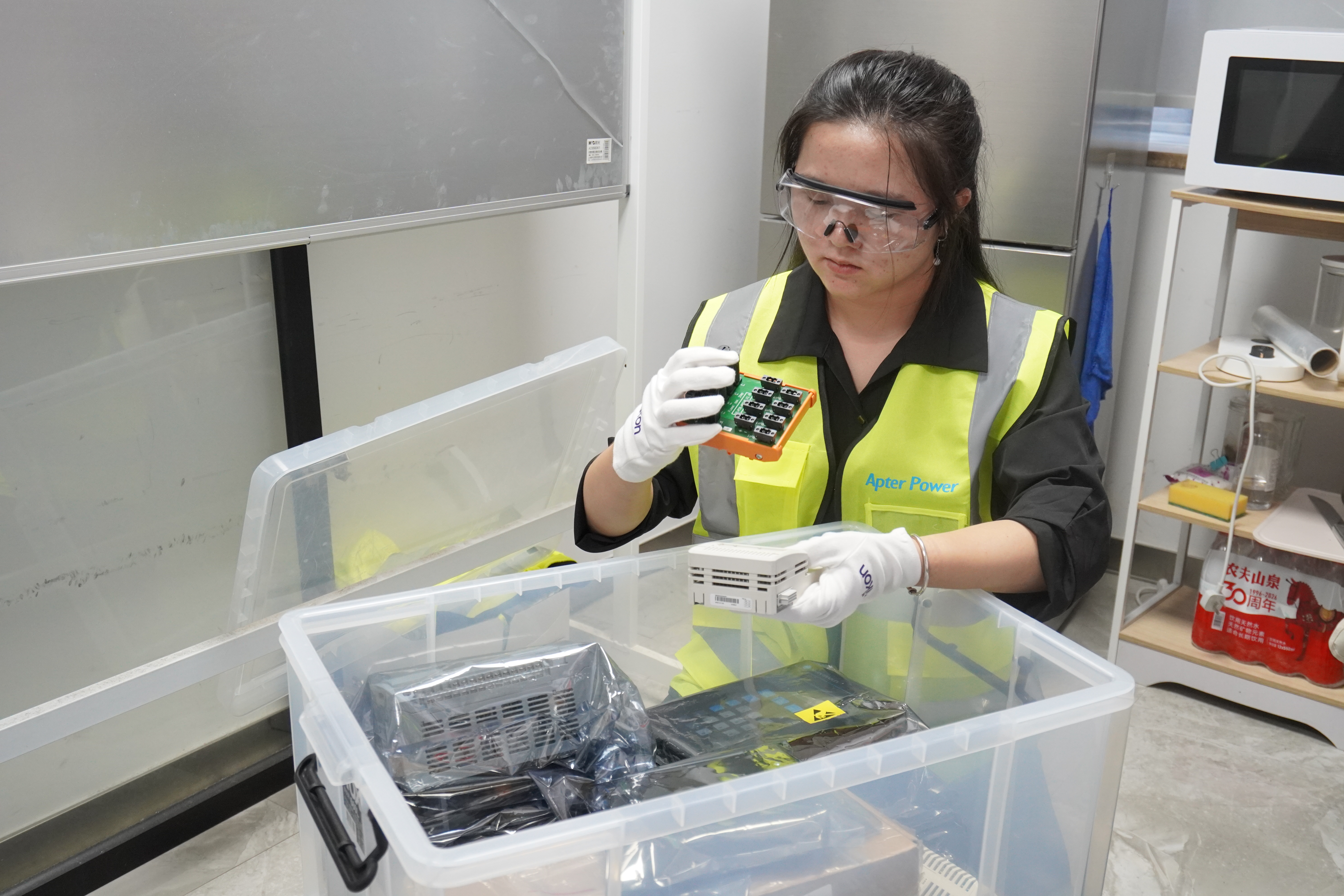
Ask for an identifiable business entity, a clear quotation, current product and label photos, and written condition and warranty terms. Compare those details with the equipment requirement rather than relying on a stock statement alone.
Specify the manufacturer, complete part number and suffix, quantity, accepted condition, destination and required documentation. Record the agreed warranty, return process and shipping terms in writing.
Compare the exact order code, hardware details, interface, power requirements and engineering configuration with the installed system. A similar appearance or shared product family is not sufficient evidence of compatibility.
Inconsistent labels, incomplete suffixes, reused or unclear photos, unexplained substitutions and refusal to provide written terms are reasons to pause. An unusually low offer alone does not prove a problem, but it should not replace technical and commercial checks.
No. Photographs support identity and visible-condition checks but cannot establish internal condition or operational performance. Agree any additional inspection or testing requirements and the evidence to be supplied before ordering.
Send us the complete part number, required quantity, destination country and product label photos. Our team will check availability, condition, compatibility requirements and shipping options.
Email: sales6@apterpower.com
WhatsApp: +86 18159889985
| TA200DU-90 1SAZ421201R1001 | 127586 | CP17970 | 3X125A | PDL4335 430-450 |
| 6GK7243-1JX30-0XE0 | MT52340DB LF 52345DB | VDE-R9 | ABB CP-24/1.0 | SB-3SBXS-WL |
| SPF5200 S24218-F8-A1-08 | ABB 6126/01-866-500 / 2CDG006116R0201 | EL1819 | IM72-11Ex/L | ABB TB511-ETH 1SAP111100R0270 |
| D-60A | MU-KDPR05 | C-6002-019 | 4910274 | 500F-BOA930 |
| A1SX42 | PRO32OUT | Ex-AR | ABB Tb521-eth 1sap112100R0170 | IEM-3000-8FM |
| VQZ315R-5L01 | PV-1000 | CDE230 | Opt8-m9+V1.1 | ABB AI531 / 1SAP250600R0001 |
| 11-PKZ | PXC36.1-ED | 901-H510-WW00 | sg001043 | RTV24G |
| CI-205-1 | CR10 | QSM3-XW-C | SX2 J4290-0001C | LOG220 5005-0220 |
| MCR-SL-DU/1 | 9537440000 | CR9440J1B1 | 24BS24AD4E | W445-M 203949-02 |
| 2CDG120005R0011 | TK-485/EU | 03144-1033-3103 | 440E-L13137 | GT-1575QBUSL |
| 176F9172 | 1539920 | LG-003552 | MN-S4-FCS | G9SB-301-B |
| DK1523 40A80045AU | ABB TU844 3BSE021445R1 | 926 315-BR | EVD0000410 | 00EP016 |
| Tx0D 3020 0JF737 4GF/2GR | PA2 | S4-34895 | MWB45-2E | 406372-1 CAT 5E RJ45 |
| H2S 18100050-2 | AES75-12 | 7012AF | G4 SB-DIM2C6A-DN | ABB BIO1002 2RCA034536A0001E |
Send us the complete part number, required quantity, destination country and product label photos. Our team will check availability, condition, compatibility requirements and shipping options.
Email: sales6@apterpower.com
WhatsApp: +86 18159889985