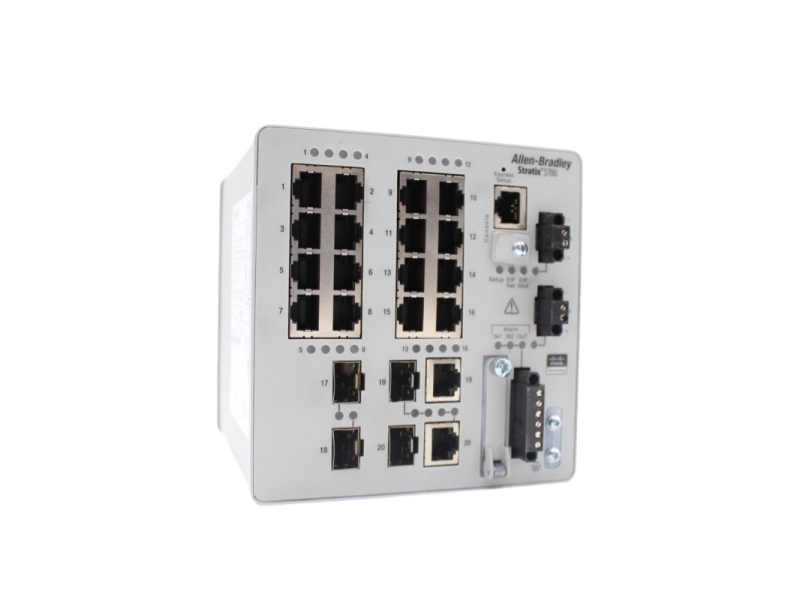
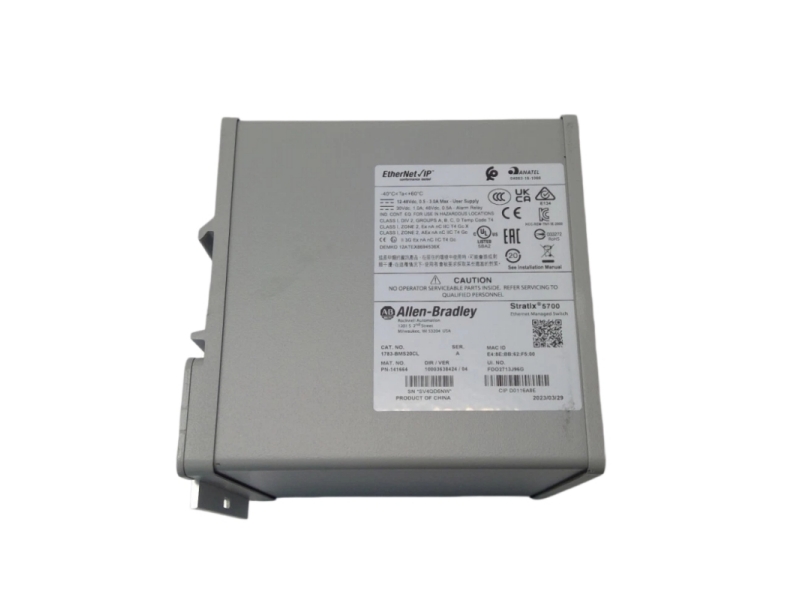
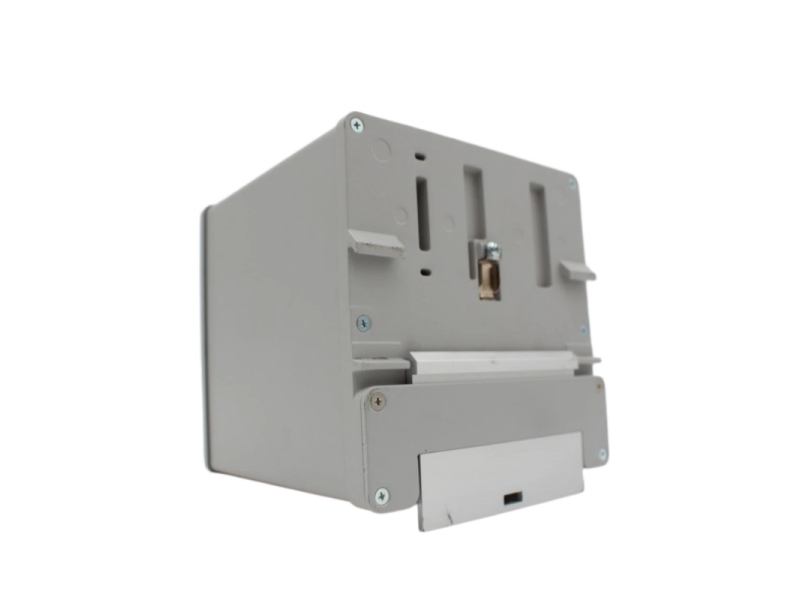
1783-BMS20CL is an Allen-Bradley Stratix 5700 industrial managed switch featuring high-density 20-port connectivity. Fully compatible with DIN rail installations, this unit works seamlessly with industrial automation architectures to deliver flexible network management and stable machine-level communication.
Specific Application
- High-density cell-level networking in automotive assembly lines requiring up to 20 local device connections.
- Control cabinet data aggregation where open-style, DIN-rail mounted infrastructure minimizes space.
- Real-time machinery monitoring in ambient factory floor areas maintained under 60 °C (140 °F).
System Compatibility & Alternative Models
- System Compatibility:
Fully compatible with Rockwell Automation Integrated Architecture, EtherNet/IP communication profiles, Studio 5000 Logix Designer configuration environments, and standard industrial DIN rail mounting infrastructure. - Alternative Model:
1783-BMS20CGL - Key Differences:
The 1783-BMS20CL is a Base model with standard copper/fiber port capabilities. In contrast, the 1783-BMS20CGL is a Full/Advanced software layer model that explicitly mandates the use of shielded cables on its RJ45 uplink ports (Gi1/1 and Gi1/2) to ensure maximum noise immunity in high-interference environments.
Ordering Information
|
Catalog Number |
Total Ports |
Enclosure Type |
Input Power |
Wire Size (DC Power) |
|
1783-BMS20CL |
20 Ports |
None (Open-style) |
12...48V DC, 0.5...3.0 A |
0.5...0.8 mm² (20...18 AWG) |
Installation & Troubleshooting FAQ
Q1: What type of DIN rail is required to ensure proper operation of the 1783-BMS20CL?
A: This switch must be mounted on a zinc-plated yellow-chromate steel DIN rail. Avoid using aluminum or plastic materials, as they can corrode, oxidize, or conduct poorly, leading to intermittent or improper grounding of the chassis.
Q2: What should I check if the Setup status indicator turns solid red during the power-on sequence?
A: A red Setup indicator indicates that the startup routine or IOS software image failed to load successfully. Because startup failures are typically fatal to the device, you should immediately verify your power inputs and contact your Rockwell Automation representative.
Q3: How much clear space must be left around the switch inside an industrial enclosure?
A: To prevent the switch from overheating, you must maintain a minimum clearance of 50.8 mm (2.0 in.) on the top, bottom, sides, and front of the unit. Additionally, ensure the internal enclosure temperature never exceeds 60 °C (140 °F).





 For the quick assistance message us on WhatsApp at