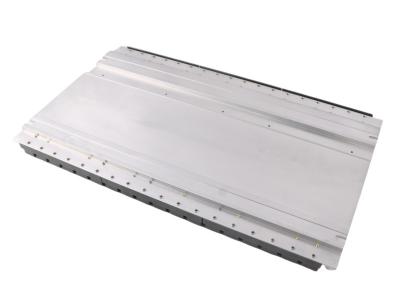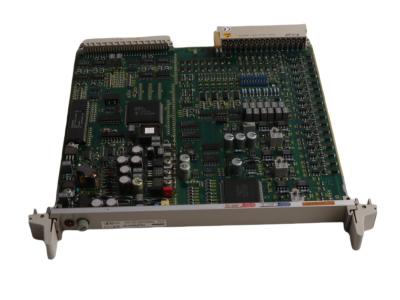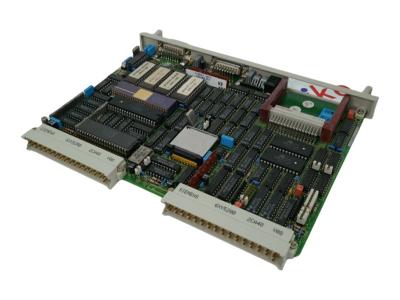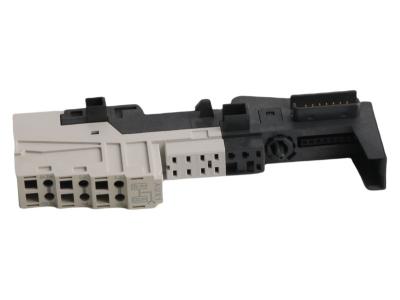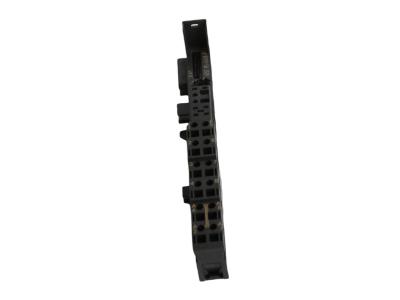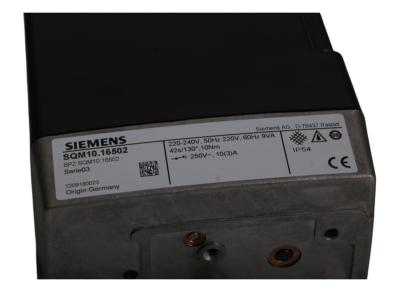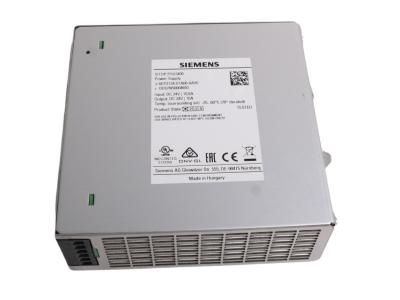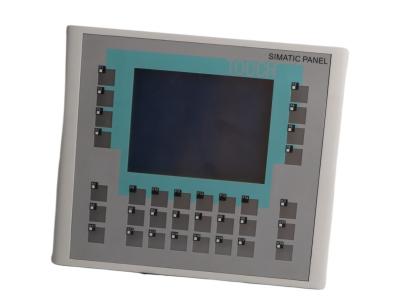
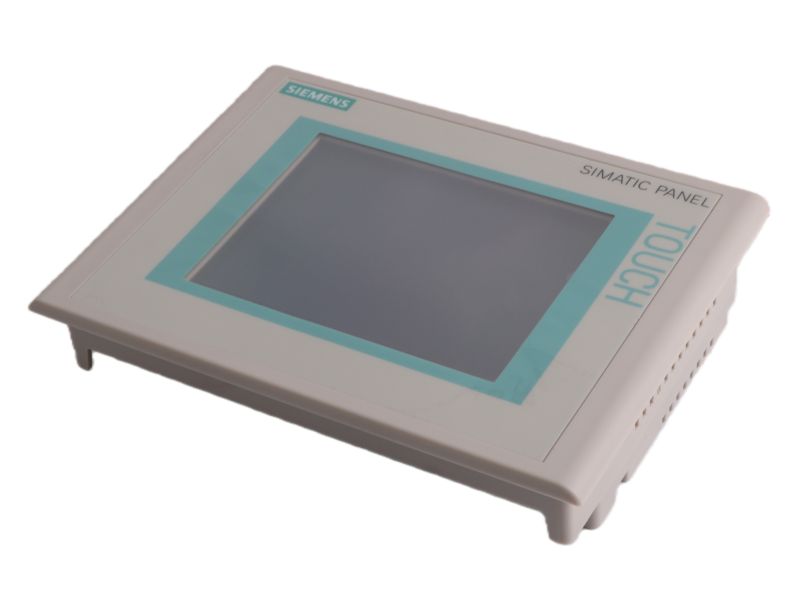
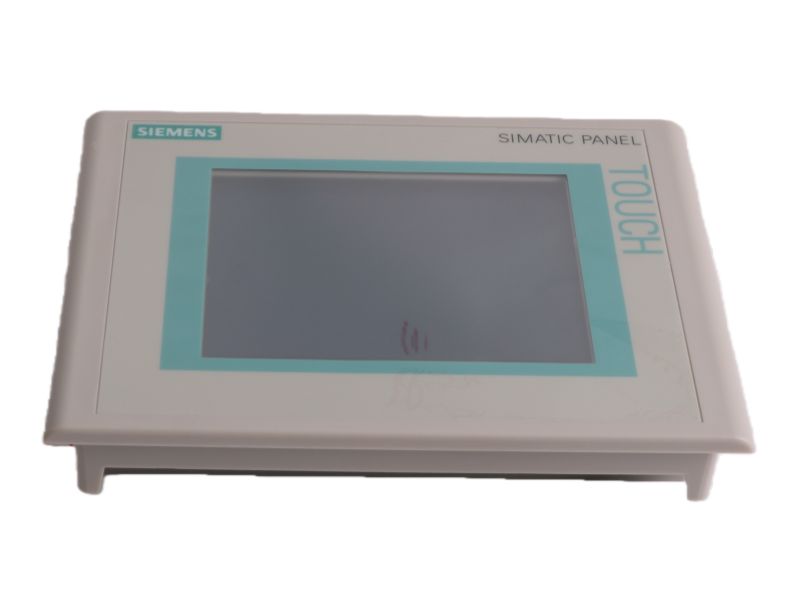
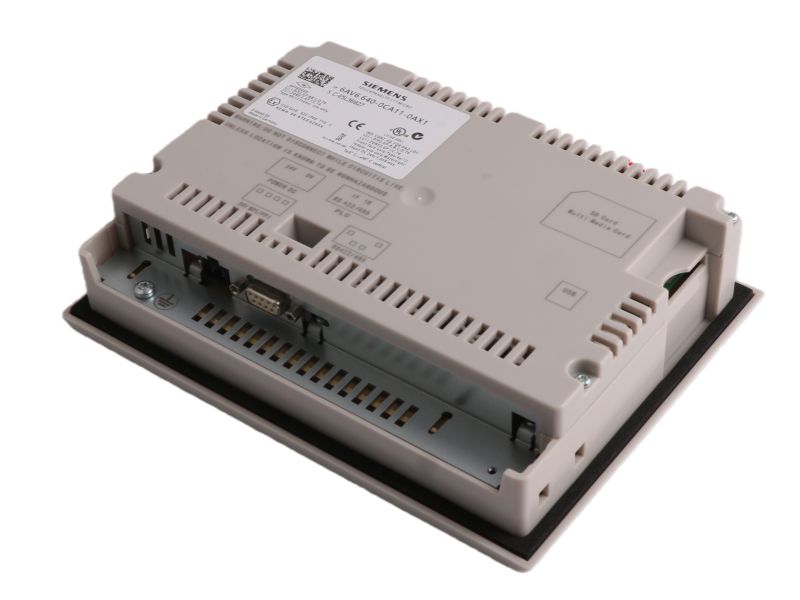
Siemens 6AV6640-0CA11-0AX1 TP177 Micro Touch Panel

Siemens 6AV6640-0CA11-0AX1

6AV6640-0CA11-0AX1 Product datasheet 

Model number 6AV6640-0CA11-0AX1  
Manufacture Siemens  
System PLC  

Condition

Brand New  

Country of Origin

GERMANY  

HS Code 

8537101190  

After-Sales Support

12-months  


6AV6640-0CA11-0AX1 Overview

The SIMATIC S7-200 Siemens 6AV 6640-0CA11-0AX1  is a 5.7-inch blue-scale STN touch panel designed for SIMATIC S7-200 systems, featuring 256KB flash memory and RS485 communication for industrial operator interface applications.


Technical Data Summary 

 Display: 5.7-inch STN touchscreen with 320x240 blue-scale resolution.

Power Supply: Operates on 24V DC with a nominal power consumption of 6W.

Communication: Features an RS485 interface for industrial network connectivity.

Memory: Equipped with 256 KB of flash memory for program and data storage.

Input Method: Relies on an analog resistive touch panel for user interaction.

Backlight: Backlight MTBF is approximately 50,000 hours for reliable operation.


FAQ

Q1: What is the screen size and display technology of the TP177 Micro?

A1: It features a 5.7-inch STN touchscreen with a resolution of 320 x 240 pixels and a blue-scale color display.


Q2: What communication interface does this panel support?

A2: It is equipped with an RS485 communication interface for connecting to industrial control systems.


Q3: What is the rated input voltage and power consumption?

A3: It operates on a 24V DC power supply and consumes approximately 6 watts of power.


Q4: How much memory does this touch panel have?

A4: It has 256 KB of flash memory for storing the operating system and application projects.


Q5: What type of touch technology is used?

A5: It uses an analog resistive touchscreen for user input.

If you have other request contact our team to get customized service


  •       One Year Warranty

    We offer a one-year warranty for any quality issues with our products. If you encounter any defects or malfunctions during this period, please contact us for prompt resolution. Our warranty covers repairs or replacements, ensuring your satisfaction and peace of mind.

  •         Shipping & Delivery

    We have 10 years experience with leading logistics companies like FedEx, DHL, and SF, ensuring efficient and reliable shipping solutions. Our extensive experience in working with these carriers allows us to offer fast, secure delivery services, tailored to meet the diverse needs of our customers.
  • #

                Payment Method

    We accept a variety of payment methods, including T/T Bank Transfer, Alipay, and more, providing flexible options to suit our customers' preferences. This ensures a convenient and secure transaction process for all orders.
 
How Can I Get Your Support?
Call +86 18159889985 to be connected with our Manager Stella
     Email to sales6@apterpower.com get your best quotation
    For the quick assistance message us on WhatsApp at +86 18159889985 now!
    You can also reach me via Skype: live:ariatang111 or WeChat: zxd18159889985!


Siemens

6ES7517-3HP00-0AB0

Siemens

6DP1232-7AA

Siemens

6GK1162-3AA00

Siemens

6EP3334-7SB00-3AX0

Siemens

6DP1280-8BA

Siemens

6ES7145-5ND00-0BA0

Siemens

6AV6642-0BC01-1AX1

Siemens

6DP1230-7AA

Siemens

6GK5124-0BA00-2AA3

Siemens

3RX9501-1BA00

Siemens

6DP1210-7AA

Siemens

6AV2124-0UC02-0AX1

Siemens

6ES7155-6BA00-0CN0

Siemens

6ES7650-1AA51-2XX0

Siemens

3RX9501-1BA00

Siemens

6DL1155-6AU00-0PM0

Siemens

6AV6642-0EA01-3AX0

Siemens

FBM4/39/44 P0500RY

Siemens

6ES7226-6BA32-0XB0

Siemens

6ES7951-1KH00-0AA0

Siemens

6ES7232-0HB22-0XA8

Siemens

6ES7226-6DA32-0XB0

Siemens

6ES7407-0KR02-0AA0

Siemens

6ES7222-1HF32-0XB0

Siemens

6GK5 636-2GS00-2AC2

Siemens

6GK5632-2GS00-2AC2

Siemens

6ES7214-1BG31-0XB0

Siemens

6DP1280-8BA

Siemens

6ES7505-0RB00-0AB0

Siemens

6ES7214-1BG31-0XB0


PROFIBUS screen number (touch panels only)


If the PROFIBUS direct keys use the same bits for different functions in various screens, the S7 must differentiate between the respective functionality by means of the screen numbers. The screen function PROFIBUS Screen Number is provided in order to bypass the delayed updating of the screen number in the PLC following a screen change.


The PROFIBUS Screen Number function can be used within the DP input area to set any bits for identifying the screen and simultaneously transfer them to the PLC by means of the direct key bits. This ensures a unique assignment between the control bit and screen number at all times.

Leave A Message
If you are interested in our products and want to know more details,please leave a message here,we will reply you as soon as we can.
Submit

Need Help? Chat with us

Leave A Message
If you are interested in our products and want to know more details,please leave a message here,we will reply you as soon as we can.
Submit
Looking for News&Events?
Contact Us #
+8618159889985

Our hours

Mon 11/21 - Wed 11/23: 9 AM - 8 PM
Thu 11/24: closed - Happy Thanksgiving!
Fri 11/25: 8 AM - 10 PM
Sat 11/26 - Sun 11/27: 10 AM - 9 PM
(all hours are Eastern Time)

Home

Products

whatsApp

contact