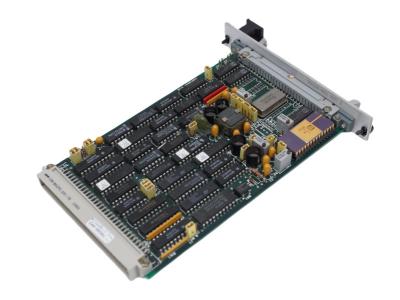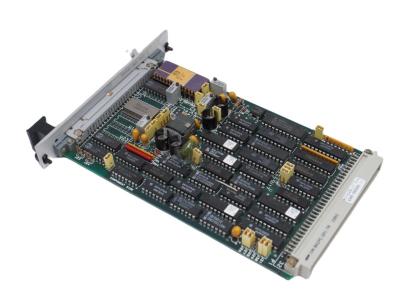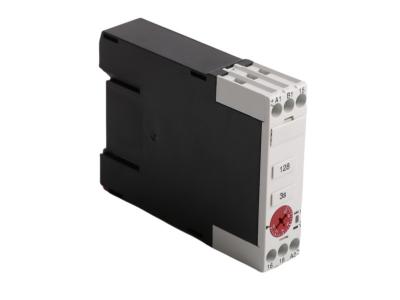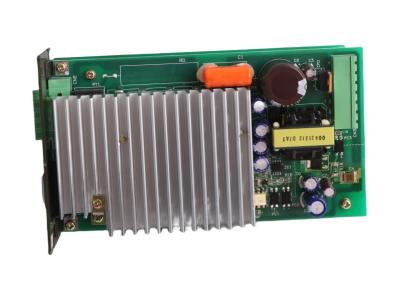
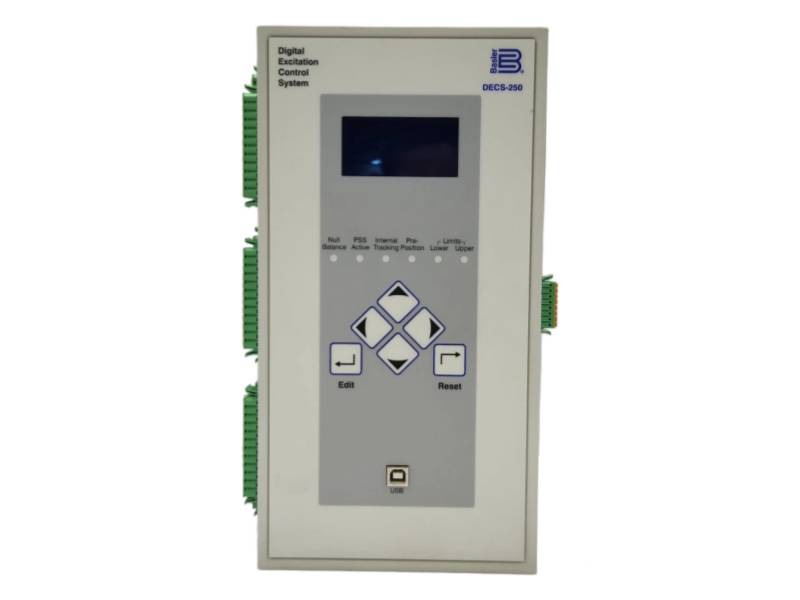
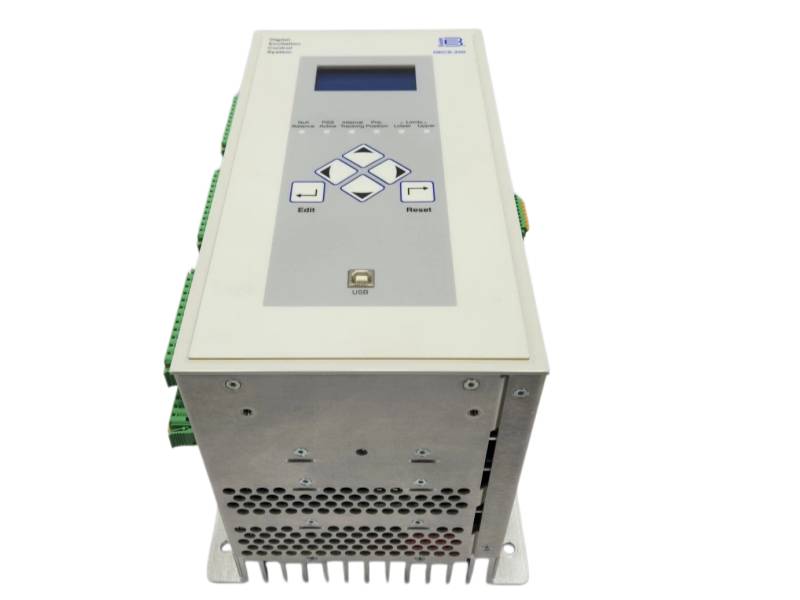
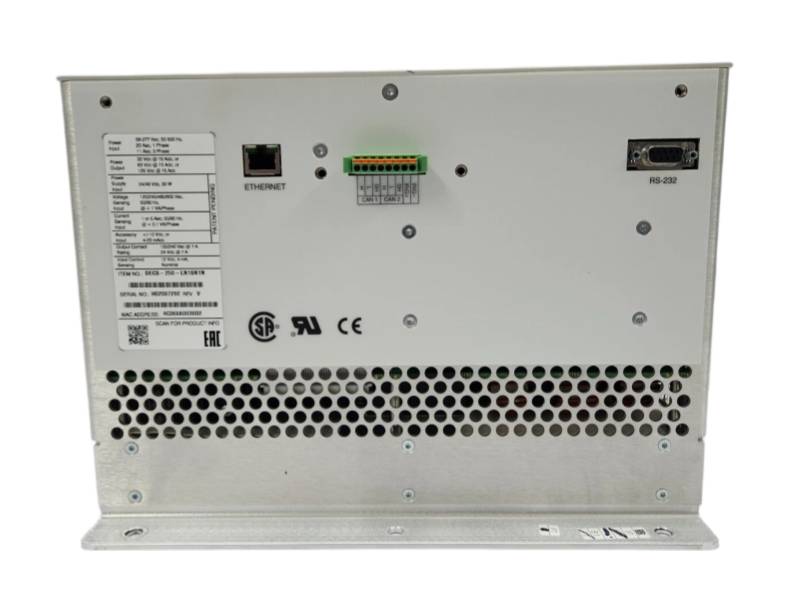
BASLER ELECTRIC DECS-250 DECS-250-LN1SN1N Digital Excitation Control System

BASLER ELECTRIC DECS-250 DECS-250-LN1SN1N

DECS-250 DECS-250-LN1SN1N Product datasheet 

Model number DECS-250 DECS-250-LN1SN1N  
Manufacture BASLER ELECTRIC  
System PLC  

Condition

Brand New  

Country of Origin

USA  

HS Code 

8537101190  

After-Sales Support

12-months  


DECS-250 DECS-250-LN1SN1N Overview 

The Digital Excitation Control System DECS-250 DECS-250-LN1SN1N BASLER ELECTRIC is a digital excitation control system providing precise voltage regulation and generator protection, programmable via BESTCOMSPlus® software in a compact unit .


Features and benefits

• Five Control Modes: Provides AVR, FCR, FVR, PF, and Var regulation for versatile generator excitation management.

• Integrated Protection: Includes 20 protection functions such as over/undervoltage, over/underfrequency, and loss of excitation.

• Programmable Logic: Configurable via BESTCOMSPlus® software with 16 contact inputs and flexible communication options.

• Auto Tune Feature: Two PID stability groups with automatic tuning for optimized performance.

• Limiting Functions: Five built-in limiters including overexcitation, underexcitation, and stator current protection.

• Optional Features: Available with automatic synchronizer and integrated power system stabilizer (PSS).


FAQ

Q1: What is the BASLER ELECTRIC DECS-250-LN1SN1N?

A1: It is a digital excitation control system for synchronous generators providing precise voltage regulation and protection.


Q2: What excitation control modes are available?

A2: It features five modes: AVR, FCR, FVR, Power Factor Regulation, and Var Regulation.


Q3: What protection functions does the DECS-250 include?

A3: It includes 20 protection functions such as over/undervoltage (27/59), over/underfrequency (81O/81U), reverse power (32R), and loss of excitation (40Q).


Q4: What is the excitation power output capability?

A4: It supplies 15 Adc continuously at 32, 63, or 125 Vdc, with 30 Adc forcing for 10 seconds.


Q5: How is the DECS-250 configured and programmed?

A5: It is configured using BESTCOMSPlus® software with programmable logic, 16 contact inputs, and flexible communication options.


If you have other request contact our team to get customized service


  •       One Year Warranty

    We offer a one-year warranty for any quality issues with our products. If you encounter any defects or malfunctions during this period, please contact us for prompt resolution. Our warranty covers repairs or replacements, ensuring your satisfaction and peace of mind.

  •         Shipping & Delivery

    We have 10 years experience with leading logistics companies like FedEx, DHL, and SF, ensuring efficient and reliable shipping solutions. Our extensive experience in working with these carriers allows us to offer fast, secure delivery services, tailored to meet the diverse needs of our customers.
  • #

                Payment Method

    We accept a variety of payment methods, including T/T Bank Transfer, Alipay, and more, providing flexible options to suit our customers' preferences. This ensures a convenient and secure transaction process for all orders.
 
How Can I Get Your Support?
Call +86 18159889985 to be connected with our Manager Stella
     Email to sales6@apterpower.com get your best quotation
    For the quick assistance message us on WhatsApp at +86 18159889985 now!
    You can also reach me via Skype: live:ariatang111 or WeChat: zxd18159889985!


WOODHEAD

5136-CN-PCI

Bachmann

CPC210

Parlis

TM0180-A07-B00-C05-D10

WOODHEAD

5136-CN-VME

Bachmann

CNT204/R

Parlis

TM0180-A08-B00-C12-D10

WOODHEAD

8440-1041

Bachmann

CNT204/H

Parlis

TM0180-A08-B00-C15-D10

WOODHEAD

APPLICOM-PCI1000

Bachmann

CNT204

Parlis

TM0180-A08-B13-C20-D10

WOODHEAD

APP-PS7-PCI

Bachmann

BS210

Parlis

TM0181-A40-B01

WOODHEAD

PCU1000

Bachmann

BS207

Parlis

TM0182  TM0182-A50-B01-C00

WOODHEAD

PCU2000ETH APP-ETH-PCU-C

Bachmann

BS206

Parlis

TM0182-A50-B00-C00

WOODHEAD

SST-DN3-PCI-2

Bachmann

BS206

Parlis

TM0182-A90-B01-C00

WOODHEAD

SST-DN3-PCI-2 DN3-PCI-1-E

Bachmann

BS205

Parlis

TM201-A02-B00-C00-000-E00-G00

WOODHEAD

SST-DN4-102-2

Bachmann

80190-640-03-R

Mitsubishi

TH-N12TP


Adjusting Settings


A setting adjustment is made at the front panel by performing the following steps.

1. Navigate to the screen listing the setting to be changed.

2. Press the Edit button and enter the appropriate username and password to gain the needed level of security access. (Information about implementing and using username and password protection is provided in the Security section of this manual.)

3. Highlight the desired setting and press the Edit button to view the setting editing screen. This screen lists the setting range or the permissible setting selection.

4. Use the scrolling pushbuttons to select the setting digits/selections and adjust/change the setting.

5. Press the Edit button to save the change.

Leave A Message
If you are interested in our products and want to know more details,please leave a message here,we will reply you as soon as we can.
Submit

Related Products

Explore More

Need Help? Chat with us

Leave A Message
If you are interested in our products and want to know more details,please leave a message here,we will reply you as soon as we can.
Submit
Looking for News&Events?
Contact Us #
+8618159889985

Our hours

Mon 11/21 - Wed 11/23: 9 AM - 8 PM
Thu 11/24: closed - Happy Thanksgiving!
Fri 11/25: 8 AM - 10 PM
Sat 11/26 - Sun 11/27: 10 AM - 9 PM
(all hours are Eastern Time)

Home

Products

whatsApp

contact