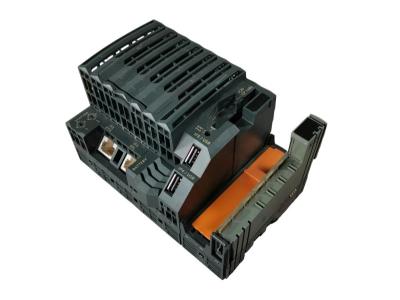
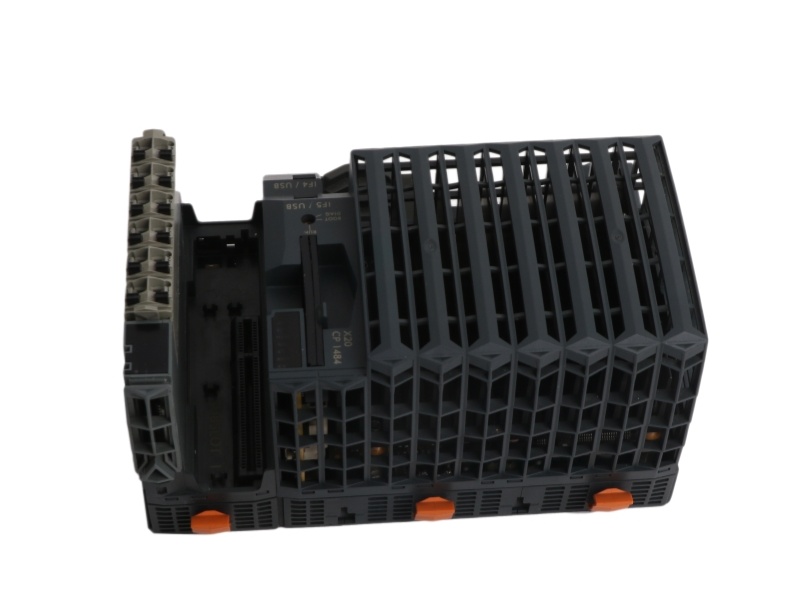
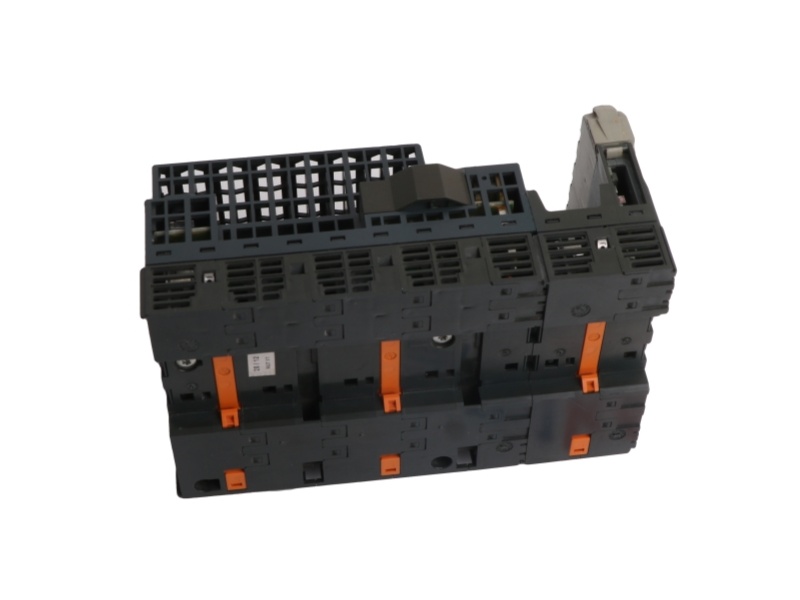
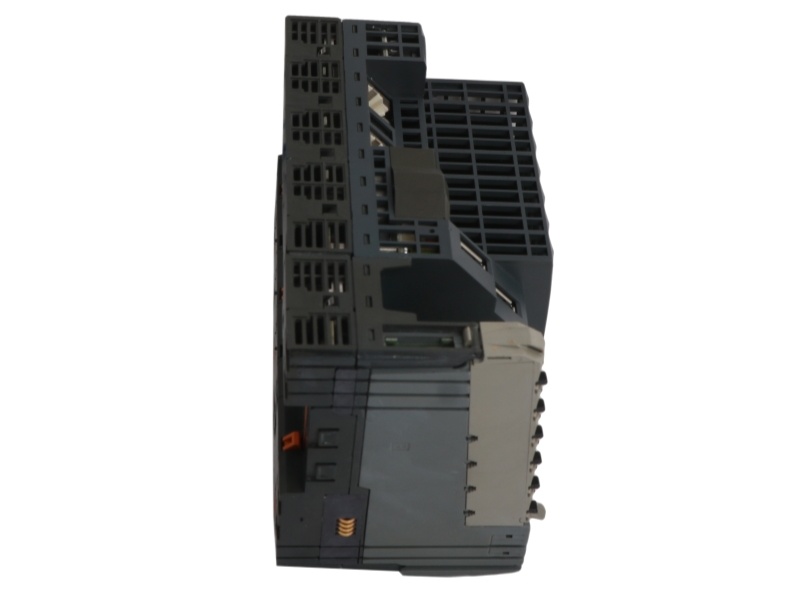
X20CP1484-1 is a B&R high-performance programmable controller featuring an integrated background I/O processor core. Fully compatible with X20 system configurations, this unit works seamlessly with automated topologies to deliver flexible modular expansion and stable industrial network communication.
Specific Application
Real-time machinery automation loops utilizing centralized synchronous POWERLINK fieldbus networks.
Process control infrastructure requiring modular interface card expansion within extremely compact cabinet spaces.
Fan-free embedded computing deployments subject to harsh shop-floor thermal constraints up to 55°C.
System Compatibility & Alternatives
System Compatibility:
Fully compatible with B&R Automation Studio engineering configurations, Automation Runtime operating environments, X20 interface modules, exchangeable CompactFlash application memory cards, and standard 24 VDC industrial power distribution paths.
Alternative Model & Differences:
The corresponding standard-capacity variation within the same processor family tier is catalog number X20CP1484.
The Difference: The X20CP1484-1 incorporates an upgraded volatile memory infrastructure featuring a doubled allocation of 64 MB SDRAM to accommodate expanded code databases. The baseline X20CP1484 module provides 32 MB SDRAM, while both units share identical physical dimensions, a Celeron 266 compatible processor core, a 1 MB SRAM partition, onboard real-time communication slots, and a fan-free cooling design.
Ordering Information
|
Hardware Parameter Selection |
Decoded Hardware Specifications Matrix |
|
Model Number |
X20CP1484-1 |
|
Processor Type |
Intel Celeron 266 MHz Compatible with background I/O Processor |
|
Standard Volatile RAM |
64 MB SDRAM |
|
User Memory Partition |
1 MB SRAM |
|
Remanent Variable Memory |
Maximum 64 kB (Configurable in Automation Studio) |
|
Integrated Interfaces |
1x RS232, 1x Ethernet (10/100 Base-T), 1x POWERLINK, 2x USB 1.1, 1x X2X Master |
|
Expansion Capabilities |
1x Multi-purpose slot for X20 interface modules |
|
Removable Application Memory |
CompactFlash Slot (Cards ordered separately) |
|
Cooling Profile |
Fan-free / Fanless design |
|
Power Consumption |
6.0 W (Typical baseline without external USB or module loads) |
|
Physical Dimensions |
150 mm Width x 99 mm Height x 85 mm Depth |
Installation & Troubleshooting FAQ
Q1: How do I execute the initial operating system setup on a blank replacement CPU?
A: Place the hardware operating mode switch into the BOOT position and apply power to start the default minimal Automation Runtime system. Establish an online link from your PC using Automation Studio, browse the target network to map temporary IP configurations, and select Transfer Operating System from the project menu to initialize the card.
Q2: What do a solid red R/E LED combined with a solid red RDY/F LED indicate on the front plate?
A: This specific dual-indicator profile alerts you to an active hardware overtemperature state. The internal protection logic executes a targeted system halt when the core processor temperature reaching 100°C to mitigate physical board damage. Verify your ambient enclosure workspace temperature and ensure that the ventilation pathways remain unblocked.
Q3: Can the CompactFlash card memory module be safely pulled out while the controller is running?
A: No, the exchangeable application memory card cannot be disconnected or pulled out while power loops are active. Removing the CompactFlash card during live execution cycles interrupts file access routines, risks damaging the storage sectors, and causes an immediate system fault. Always shut off the external supply voltage before replacing flash cards.
Q4: Why does the integrated power module display a double-flashing red error indicator?
A: A double-flashing red pattern on the power subsystem indicates that the connected X2X Link bus line is overloaded, the local I/O supply voltage has dropped too low, or the core input power has fallen below acceptable parameters. Disconnect non-critical downstream sub-modules to audit the collective current draw, and verify that your incoming terminal supply stays within the regulated 24 VDC window.





 For the quick assistance message us on WhatsApp at