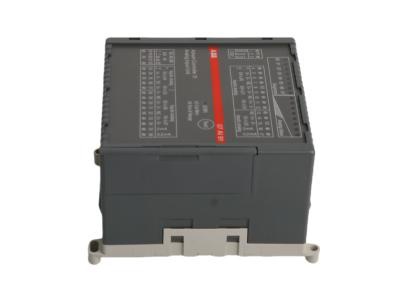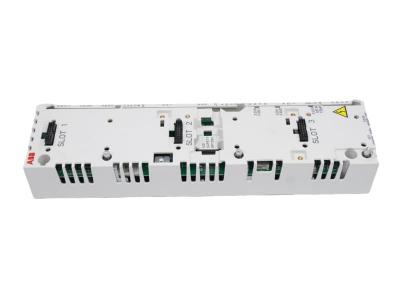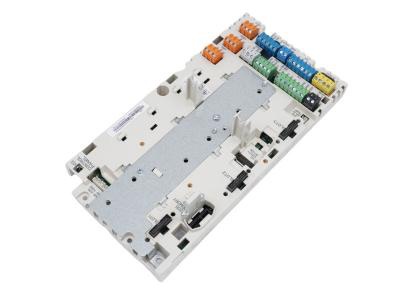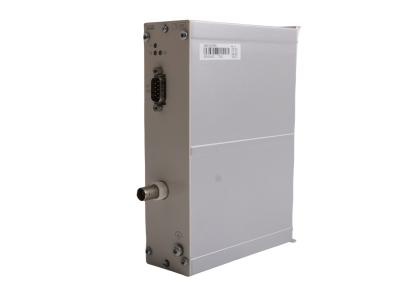
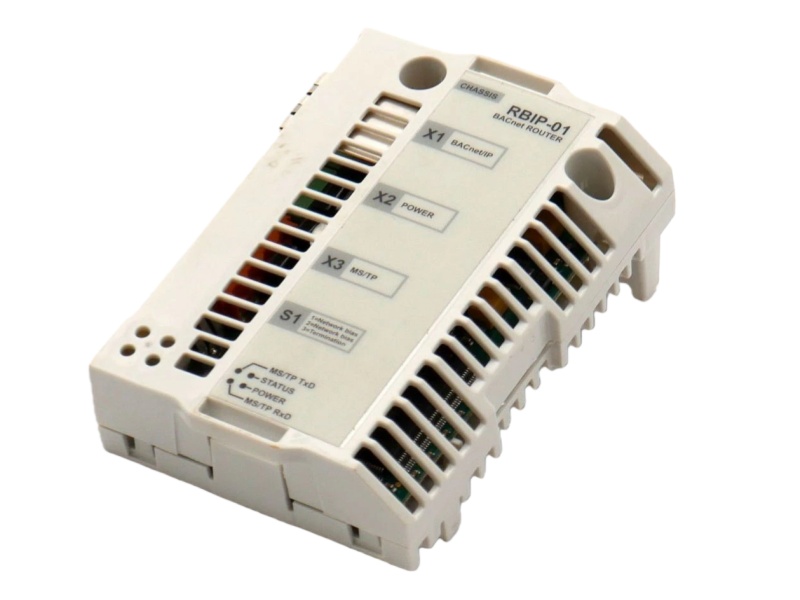
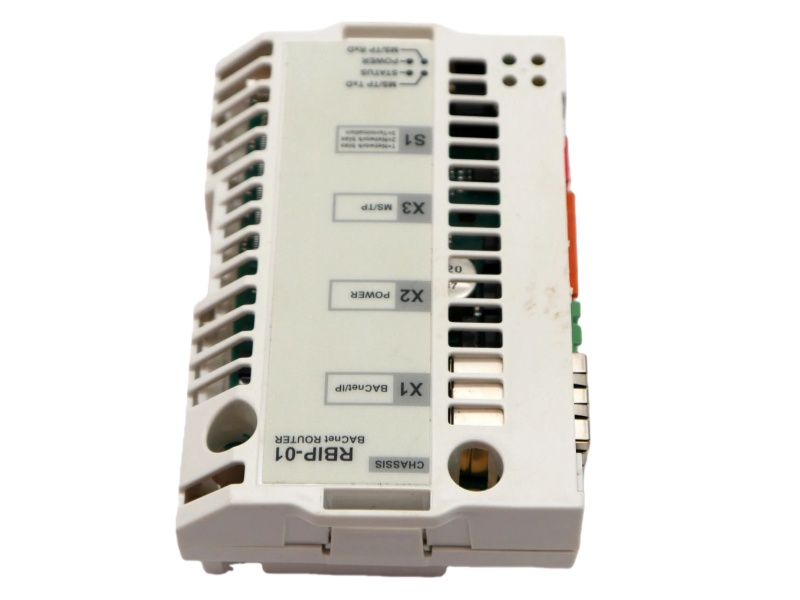
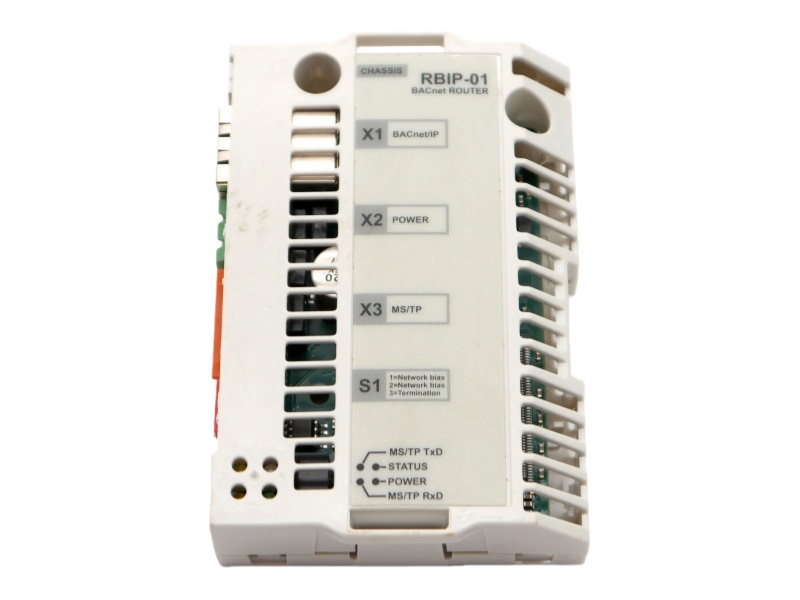
ABB RBIP-01 BACnet/IP Router Module

ABB RBIP-01
ABB RBIP-01
ABB RBIP-01

RBIP-01 Product datasheet  

Model number RBIP-01  
Manufacture ABB  
System DCS  

Condition

Brand New  

Country of Origin

SWEDEN  

HS Code 

8537101190  

After-Sales Support

12-months  


RBIP-01 Overview

The RBIP-01 ABB BACnet/IP Router Module is a BACnet/IP Router Module designed for seamless integration into ACH550 drives, enabling reliable connectivity and control in building automation systems through standard network protocols.


Control & Communication

Protocol Function: Serves as a BACnet/IP Router, enabling standard building automation communication.

Network Connection: Features a 10/100 Mbps RJ-45 Ethernet port for IP network connectivity.

Serial Interface: Includes one EIA-485 port supporting BACnet MS/TP protocol for legacy serial networks.

Dual-Mode Communication: Supports both half and full-duplex serial communication for flexible data exchange.

Seamless Integration: Designed as a snap-on module for direct installation inside compatible ABB ACH550 drives.

Plug-and-Play: Operates automatically upon power-up without requiring configuration for basic routing.


FAQ

Q1: What is the primary function of the ABB RBIP-01?

A1: It is a BACnet/IP Router Module for enabling building automation communication in HVAC drive systems.


Q2: Which drives is this router module compatible with?

A2: It is fully compatible with all ABB ACH550 standard drives for HVAC applications, including older generations.


Q3: What types of communication interfaces does it provide?

A3: It offers a 10/100 Mbps Ethernet (RJ-45) port and one EIA-485 serial port for BACnet MS/TP.


Q4: How is the module powered?

A4: It operates on a wide-range power supply of 12-26 V DC/AC through a 2-pin connector.


Q5: What is required for its operation after installation?

A5: The module starts automatically upon power application and is designed for permanent, full-time operation without a power switch.


If you have other request contact our team to get customized service


  •       One Year Warranty

    We offer a one-year warranty for any quality issues with our products. If you encounter any defects or malfunctions during this period, please contact us for prompt resolution. Our warranty covers repairs or replacements, ensuring your satisfaction and peace of mind.

  •         Shipping & Delivery

    We have 10 years experience with leading logistics companies like FedEx, DHL, and SF, ensuring efficient and reliable shipping solutions. Our extensive experience in working with these carriers allows us to offer fast, secure delivery services, tailored to meet the diverse needs of our customers.
  • #

                Payment Method

    We accept a variety of payment methods, including T/T Bank Transfer, Alipay, and more, providing flexible options to suit our customers' preferences. This ensures a convenient and secure transaction process for all orders.
 
How Can I Get Your Support?
Call +86 18159889985 to be connected with our Manager Stella
     Email to sales6@apterpower.com get your best quotation
    For the quick assistance message us on WhatsApp at +86 18159889985 now!
    You can also reach me via Skype: live:ariatang111 or WeChat: zxd18159889985!


ABB

PU514

ABB

PP836A 3BSE042237R2

ABB

PE1364B

ABB

PU513V2  3BSE013034R1

ABB

PP5302B 3ADT306400R1

ABB

PCU-03

ABB

PS861E

ABB

PP235 3BSC690102R2

ABB

OS30AJ12

ABB

PS24-EX?SA910S

ABB

PP235 3BSC690102R2

ABB

NTRO02-A NTRO02

ABB

PS700 1JNL100175-851

ABB

LZ02 LZ 02

ABB

NTRO02-A

ABB

PS24-EX SA910S

ABB

LZ01 LZ 01

ABB

HP-HP/AA-7676-91-0050

ABB

PP886 3BSE092980R1

ABB

LDSTA-01 63940143B

ABB

HITR301463R1 UA9810

ABB

PPD104 3BHE017400R0101

ABB

LDSTA-01 63940143

ABB

HITE303278R1

ABB

PPE100A 3BHE037824R0101

ABB

ICSM06A6 FPR3350601R1062

ABB

HIEE410727P102 UNC4674

ABB

PSU-0261-12A 3KXG758003U0400

ABB

ICSK20F1 FPR3327101R1202

ABB

HIEE400947R1 UPB011 BE


Using the internal DHCP server


Dynamic Host Configuration Protocol (DHCP) is an IP service assigning an IP address to clients upon request. If your PC runs as a DHCP client (a typical setting), you can use the internal

DHCP server of the router module.

1. Press and hold the Reset switch of the router module down for more than 5 seconds but no longer than 10 seconds. As soon as the STATUS LED flashes green and red alternating, the DHCP server is active.

2. Connect the crossover cable to your PC and the IP address is automatically assigned.

Leave A Message
If you are interested in our products and want to know more details,please leave a message here,we will reply you as soon as we can.
Submit

Need Help? Chat with us

Leave A Message
If you are interested in our products and want to know more details,please leave a message here,we will reply you as soon as we can.
Submit
Looking for News&Events?
Contact Us #
+8618159889985

Our hours

Mon 11/21 - Wed 11/23: 9 AM - 8 PM
Thu 11/24: closed - Happy Thanksgiving!
Fri 11/25: 8 AM - 10 PM
Sat 11/26 - Sun 11/27: 10 AM - 9 PM
(all hours are Eastern Time)

Home

Products

whatsApp

contact