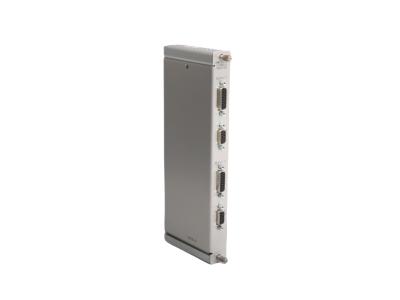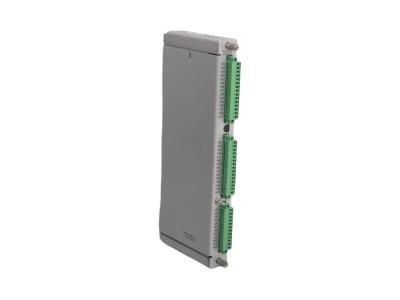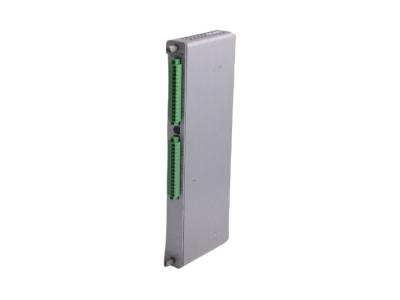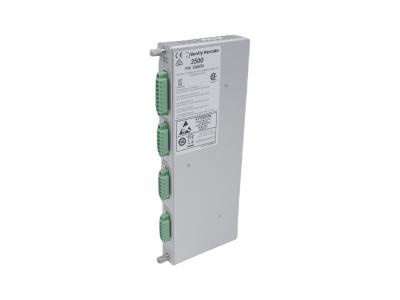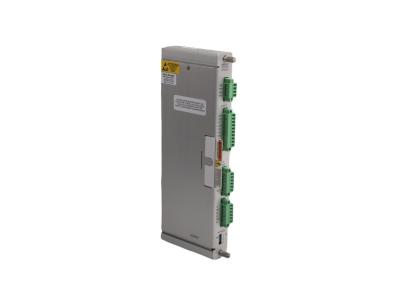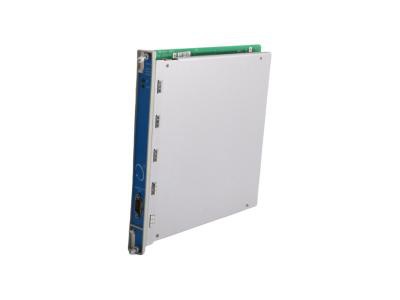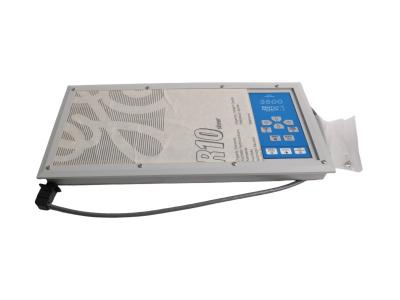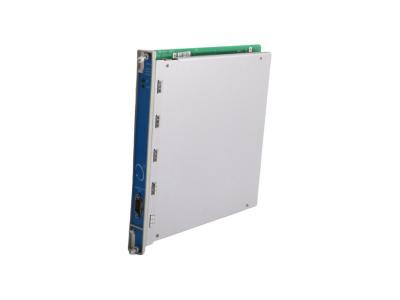
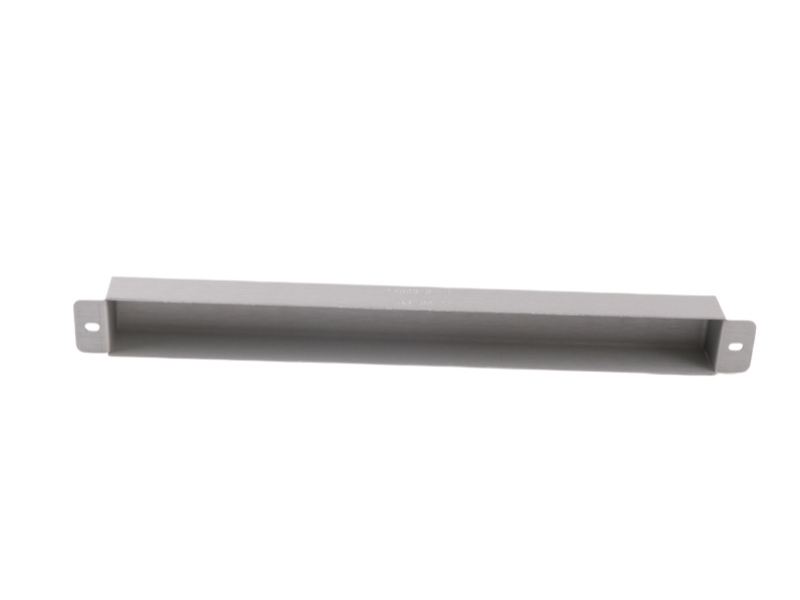
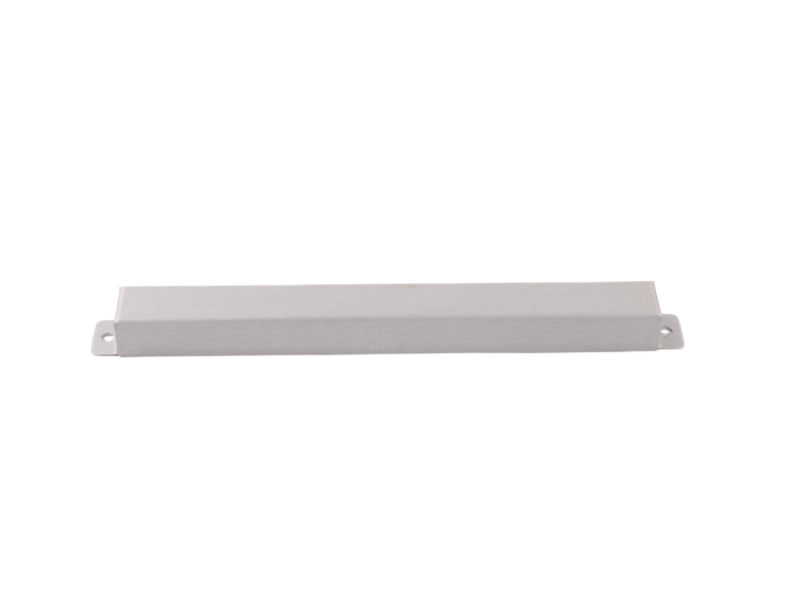
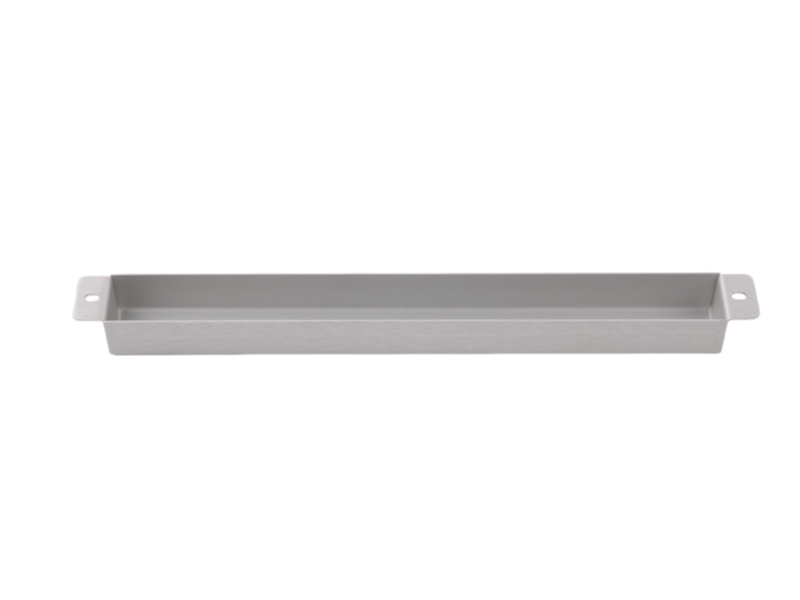
128031-01 is a Bently Nevada mechanical application module featuring a full-height blank plate design. Fully compatible with 3500 system backplanes, this unit works seamlessly with industrial monitor racks to deliver flexible chassis slot management, correct enclosure airflow optimization, and stable electrical component shielding.
Competitive Advantage
- Reliable Signal Transmission – Ensures accurate vibration and machinery monitoring for early fault detection.
- Robust Construction – Built to withstand harsh industrial environments, reducing maintenance needs.
- Easy Integration – Compatible with Bently Nevada 3500 and other monitoring systems for seamless installation.
- Optimized Performance – Supports high-precision data collection, enhancing overall system diagnostics and predictive maintenance.
Applications
The Bently Nevada 128031-01C is used in machinery condition monitoring systems across industries such as oil and gas, power generation, and petrochemical processing. It supports vibration measurement, signal transmission, and equipment diagnostics for rotating machinery like turbines, compressors, and pumps. The module helps ensure early fault detection, improved reliability, and efficient predictive maintenance in critical industrial operations.
Ordering Information
|
Option Block Item |
Component Description Parameter |
Factory Hardware Sourcing Reference |
|
Chassis Compatibility |
3500/05 Machinery Condition Monitoring Rack |
Full-size (19-inch) or Mini-rack (12-inch) |
|
Component Profile |
Full-Height Monitor Blank Cover Block |
Rear-facing Input/Output (I/O) slot orientation |
|
Base Spare Part Number |
128031-01 |
Individual full-height blank cover plate assembly |
|
Required Fasteners |
04310251 Screws |
Two (2) required per plate (Order separately or via kit) |
|
Associated Kit Assembly |
130768-01 Full-Height Cover Kit |
Includes front blank panel (130944-01) and rear cover (128031-01) |
Installation & Troubleshooting FAQ
Q1: What is the exact mechanical procedure for mounting this blank cover plate onto a 3500 backplane rack?
A: Align the blank cover plate parameters symmetrically directly over the open, unpopulated rear I/O slot. Insert two standard manufacturer-specified 04310251 assembly screws through the mounting holes, and tighten them firmly into the backplane frame rails to establish a stable environmental barrier seal.
Q2: Why is the internal system monitor reporting an over-temperature alert when only a few active cards are installed?
A: Leaving empty slot ports uncovered creates an air short-circuit pathway, allowing forced internal chassis ventilation to bypass active modules. To resolve this and restore balanced thermal distribution parameters, seal every unpopulated rear I/O slot using a 128031-01 panel to force cooling air across working monitoring cards.
Q3: Does installing this unpowered metal shield require a complete shutdown of the main monitor rack power lines?
A: No, since the panel does not interface with the conductive pins of the active dual-port backplane arrays, it can be mounted or repositioned while the system is energized. However, maintenance crews must exercise extreme caution during installation to prevent tools or loose screws from dropping into adjacent energized card loops.





 For the quick assistance message us on WhatsApp at