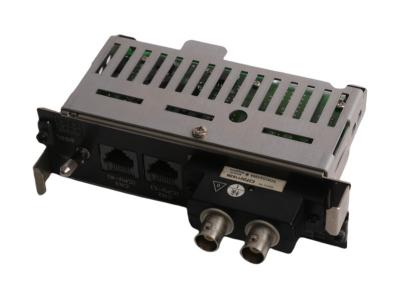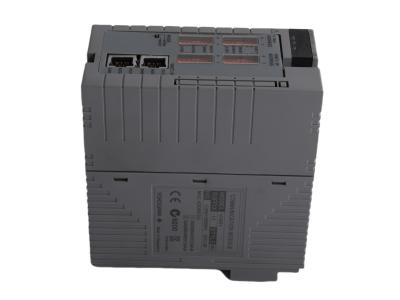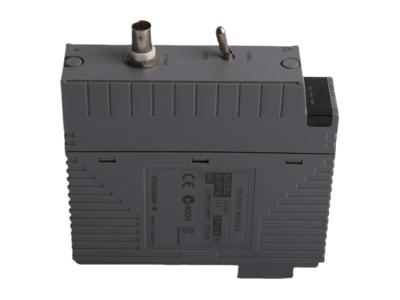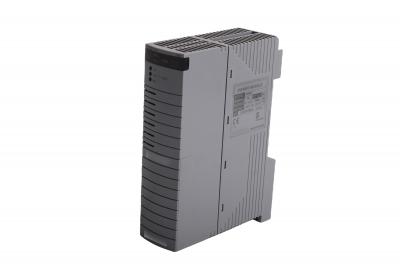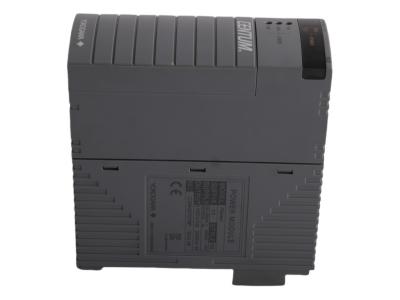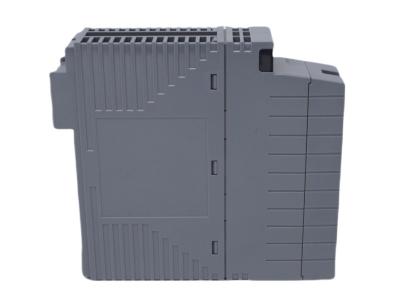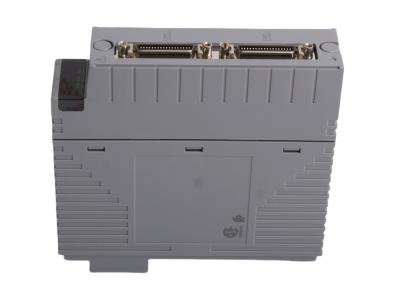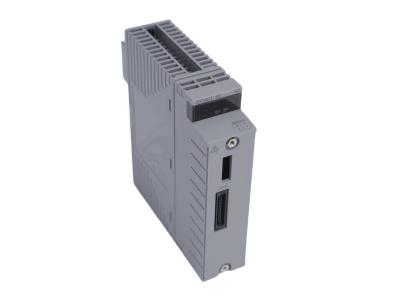
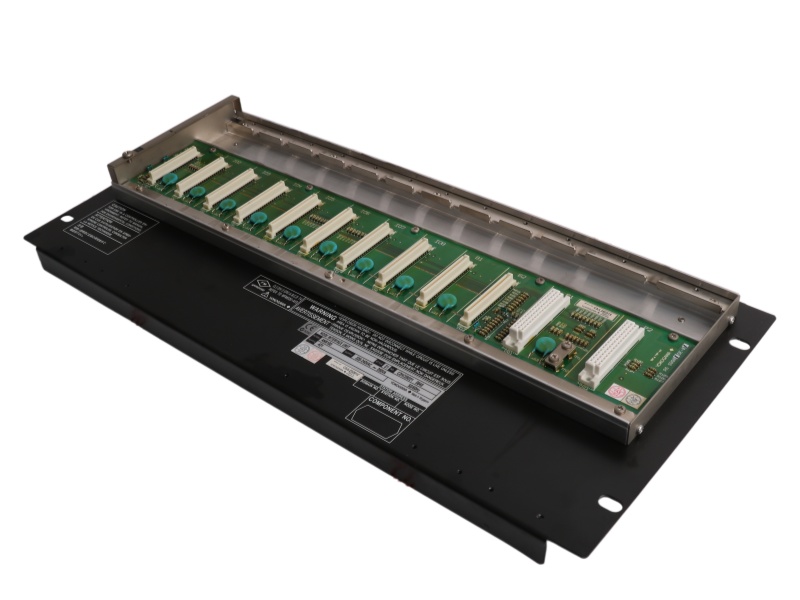
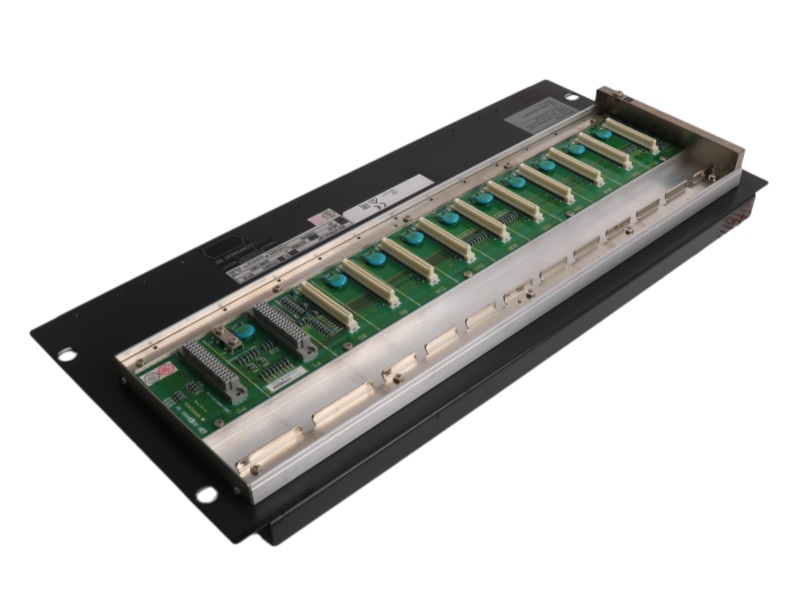
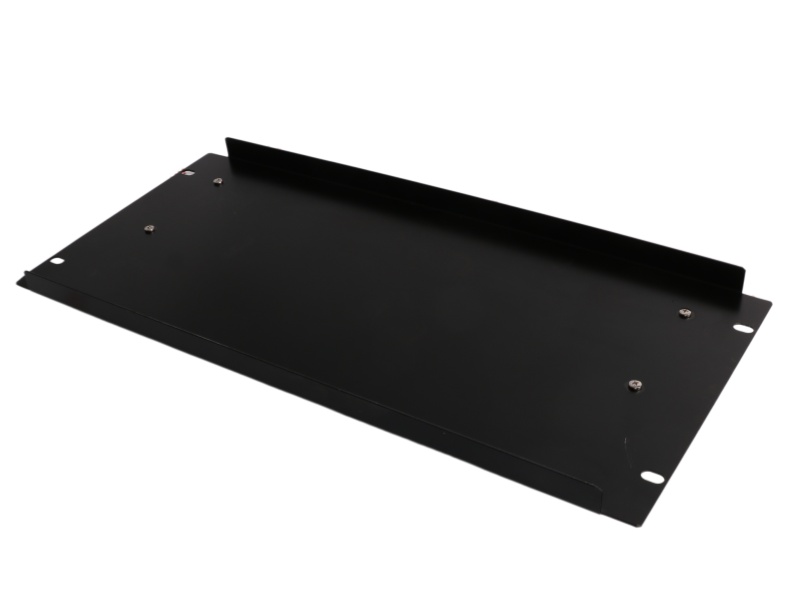
Yokogawa SNB10D-425/CU2T Safety Node Unit

Yokogawa SNB10D-425/CU2T

SNB10D-425/CU2T Product datasheet 

Model number SNB10D-425/CU2T   
Manufacture Yokogawa  
System PLC  

Condition

Brand New  

Country of Origin

Japan  

HS Code 

8537101190  

After-Sales Support

12-months  


SNB10D-425/CU2T Overview

The Yokogawa Safety Node Unit SNB10D-425/CU2T is a safety node unit with a dual-redundant 220-240V AC power supply and a terminating connector for the ESB bus, designed for reliable I/O interfacing in safety systems.


Application

Safety System Integration: Functions as a remote I/O interface within a ProSafe-RS safety instrumented system (SIS).

Signal Transmission: Collects analog and contact input signals from field devices (e.g., sensors, switches).

Bus Communication: Transmits data to the central safety control unit via the dedicated ESB bus.

Power Distribution: Supplies power to connected FIO (Field I/O) modules.

System Expansion: Used to scale I/O capacity; up to 13 units can connect to a control unit with an SEC402 coupler.

Termination Point: The /CU2T variant provides a terminating connector for the ESB bus segment.


FAQ

Q1: What is the main purpose of this unit?

A1: It is a Safety Node Unit that interfaces field signals with a safety controller via the ESB bus and powers I/O modules.


Q2: What makes its power supply reliable?

A2: It features a dual-redundant 220-240V AC power supply for continuous operation.


Q3: What does the suffix code "-425" specify?

A3: It indicates ISA G3 compliance for harsh environments (-20 to +70°C) without explosion protection.


Q4: What is included with the /CU2T option?

A4: It includes a Connector Unit with a built-in Terminator for the ESB Bus (part S9343FA).


Q5: How is it physically installed?

A5: It is rack-mounted using four M5 screws with provided insulation bushes.

If you have other request contact our team to get customized service


  •       One Year Warranty

    We offer a one-year warranty for any quality issues with our products. If you encounter any defects or malfunctions during this period, please contact us for prompt resolution. Our warranty covers repairs or replacements, ensuring your satisfaction and peace of mind.

  •         Shipping & Delivery

    We have 10 years experience with leading logistics companies like FedEx, DHL, and SF, ensuring efficient and reliable shipping solutions. Our extensive experience in working with these carriers allows us to offer fast, secure delivery services, tailored to meet the diverse needs of our customers.
  • #

                Payment Method

    We accept a variety of payment methods, including T/T Bank Transfer, Alipay, and more, providing flexible options to suit our customers' preferences. This ensures a convenient and secure transaction process for all orders.
 
How Can I Get Your Support?
Call +86 18159889985 to be connected with our Manager Stella
     Email to sales6@apterpower.com get your best quotation
    For the quick assistance message us on WhatsApp at +86 18159889985 now!
    You can also reach me via Skype: live:ariatang111 or WeChat: zxd18159889985!


Yokogawa

ATR8S-00 S2

Yokogawac

AMM52 S4

Yokogawa

AAI135-H00 S1

Yokogawa

ATK4A-00 S1

Yokogawa

AMM42 S4

Yokogawa

AAI135-H03 S1

Yokogawa

ATI3S-00 S2

Yokogawa

AMM42 S3

Yokogawa

AAI135-S00 S2

Yokogawa

ATD5A-00 S1

Yokogawa

AMM32J S1

Yokogawa

AAI135-S50 S3

Yokogawa

ATB5S-00 S2

Yokogawa

AMM32 S3

Yokogawa

AAI141-H00 S1

Yokogawa

ATA4S-00 S2

Yokogawa

AMM22 S3

Yokogawa

AAI141-H03 S1

Yokogawa

ASS9981DE-02

Yokogawa

AMM12T S2

Yokogawa

AAI141-S00 S2

Yokogawa

ASS9562DK-00

Yokogawa

ALR121-S51 S1

Yokogawa

SDV531-S23 S1

Yokogawa

ANT502-5F S1

Yokogawa

ALR121-S00 S1

Yokogawa

SDV541-S53 S3

Yokogawa

ANB10D-S1

Yokogawa

ALP121-S00 S2

Yokogawa

SPW482-13 S1


Key Steps for FCS Hardware Upgrade


The process for upgrading a CENTUM XL FCS with an ACUKT2 kit involves systematic hardware replacement and re-cabling.

Initial Disassembly: Remove cabinet door, disconnect all cables, and remove SCN, fans, and I/O nests from top to bottom.

Old Component Removal: Remove the obsolete HF bus coupler cable, coupler, and existing Power Distribution Board (PDB).

New Hardware Installation: Install new boards (HKU, Roof Fan, SC Interface, DC-Power Distribution, Primary Power Distribution) and mount the new FCU, Node Unit, and fan.

Final Reconnection: Reconnect all power, fan, node unit, and Vnet/IP cables, then reattach the cabinet door.

Leave A Message
If you are interested in our products and want to know more details,please leave a message here,we will reply you as soon as we can.
Submit

Need Help? Chat with us

Leave A Message
If you are interested in our products and want to know more details,please leave a message here,we will reply you as soon as we can.
Submit
Looking for News&Events?
Contact Us #
+8618159889985

Our hours

Mon 11/21 - Wed 11/23: 9 AM - 8 PM
Thu 11/24: closed - Happy Thanksgiving!
Fri 11/25: 8 AM - 10 PM
Sat 11/26 - Sun 11/27: 10 AM - 9 PM
(all hours are Eastern Time)

Home

Products

whatsApp

contact